
The Sky is Literally the Limit! ✨
10 Free Downloads Await! Sign up for Creative Fabrica’s All Access Free Trial and enjoy 10 free downloads to kickstart your creative projects.
✨ Supplies for Project
⇢ 1/8th Inch MDF
⇢ Light Up Base
⇢ Rub n’ Buff
⇢ Elmer’s Glue All
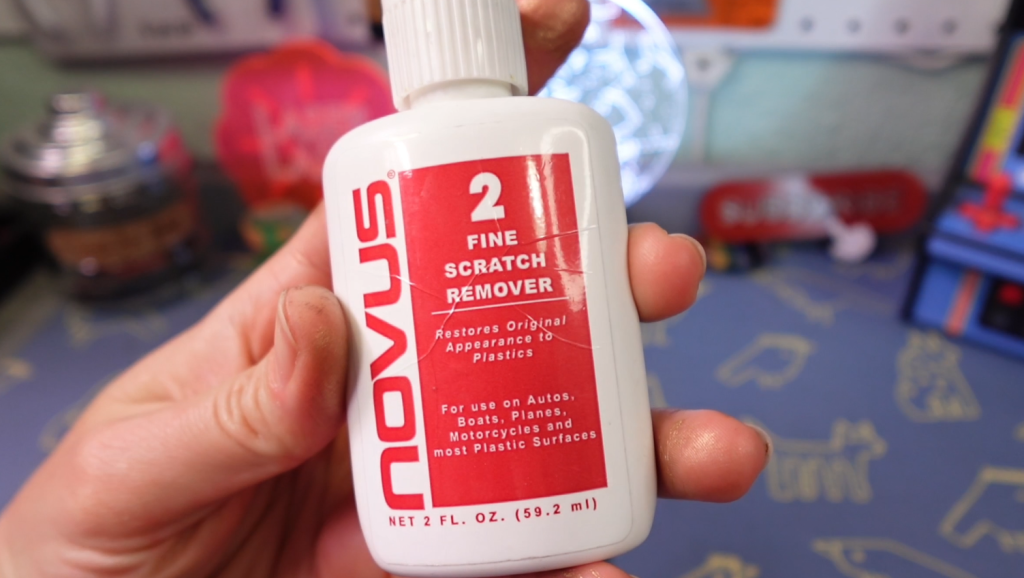
⇢ Novus #2 Plastic Polish
✨ File Downloads
⇢ Sky Chart
Sky and Star Charts are IN. The best part, they are free to make for anyone’s birthday, anniversary, holiday – you name it!
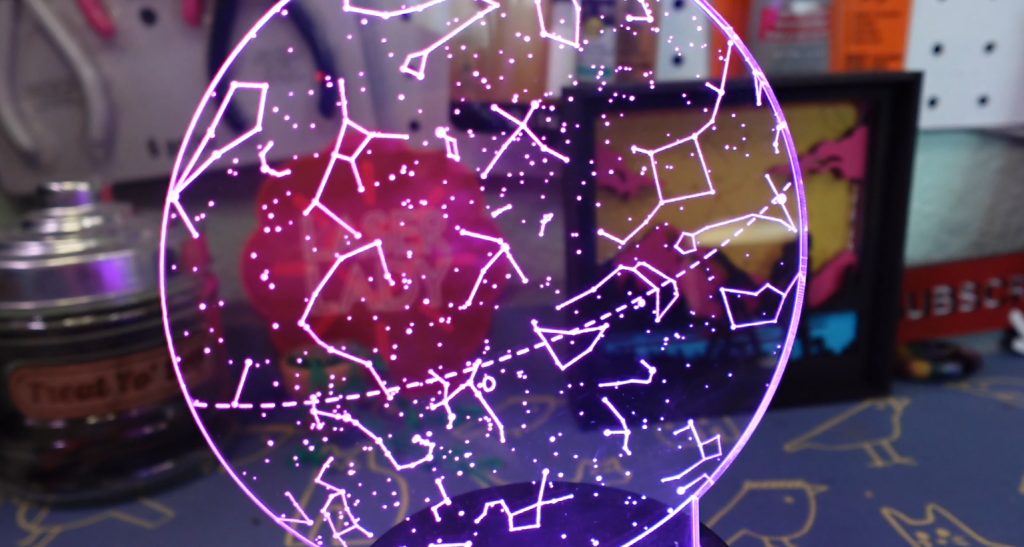
Before we make our gifts, we need to generate our sky chart. Go to www.heavens-above.com/ and scroll down to “Interactive Sky Chart”.
All you need to do is fill in the information of the event. I will be using my cat’s, Styx and Dio’s, birthday. That will change the stars and planets to our information. If you scroll down, there are toggles for planet names, the constellation lines and more.

Once you have your settings, go up to the print icon and download the pdf and import it into your program of choice. I’ll be using CorelDraw.
Since it is a PDF, all the lines and stars can be ungrouped. I will be taking away the outer lines and degree numbers. Now we are ready to make some projects!

Project 1 – How to Make a Light Up Tabletop Sky Chart
This project is wildly easy, and makes a great present or potential customizable product to sell!
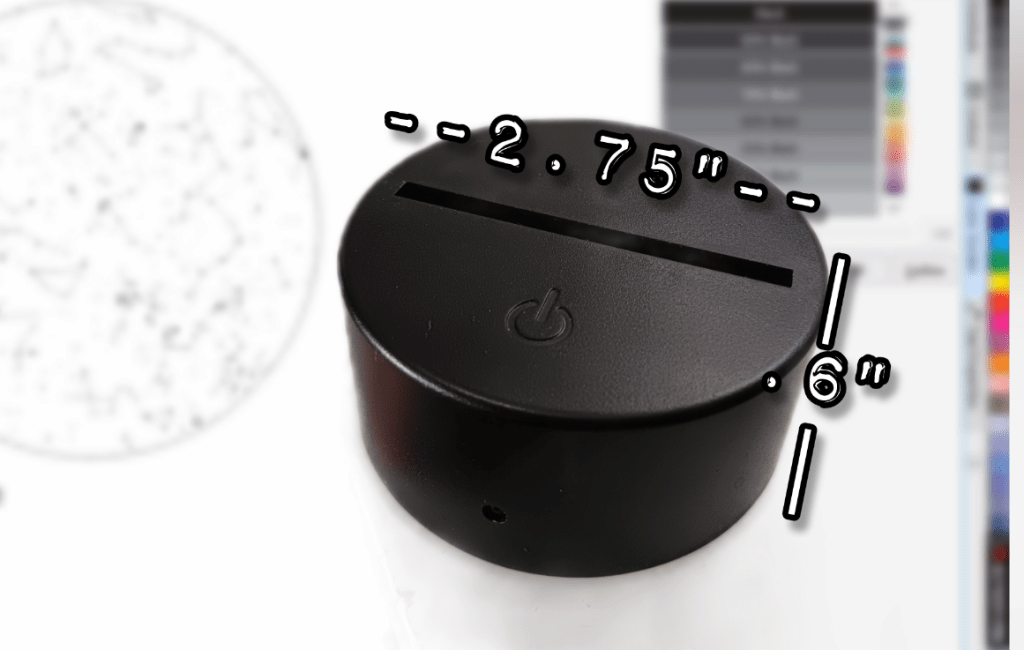
I scaled down the sky chart to 5”. Now, we just need to measure the light up base. The width for this one in particular is 2.75” across and about .6” deep, so I make a rectangle with those dimensions.
I center the rectangle to the bottom of the base and stretch up the rectangle to connect with the circle. I make a duplicate circle and weld it with the rectangle. The remaining circle I cut down to just the bottom bit to be engraved as well, to keep the circle shape.
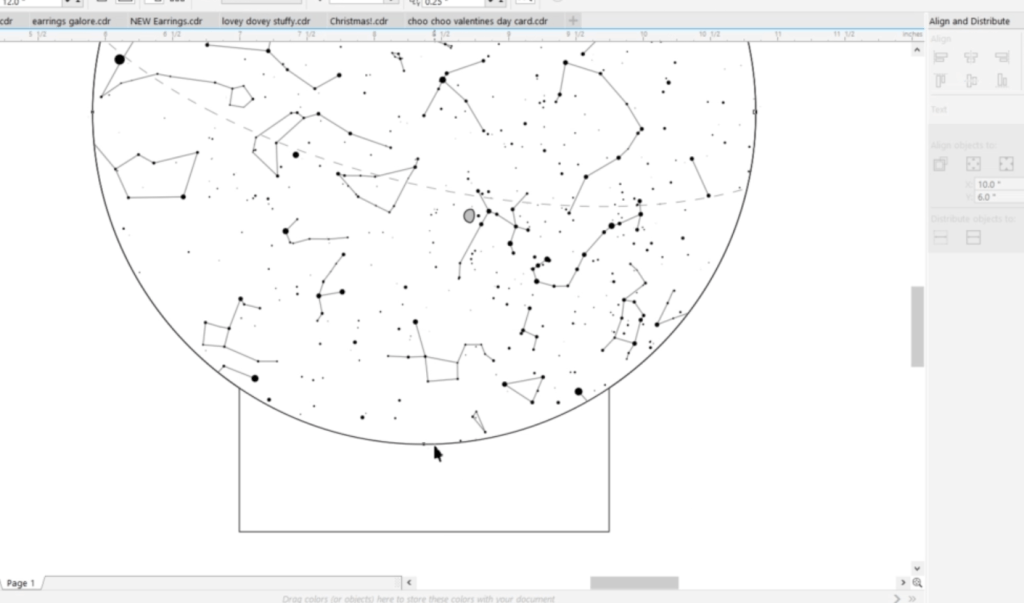
Now, I just need to make everything the right size and color for my laser and then we can fire it up!
I am going to engrave and cut this out of plain clear cast acrylic. Cast type acrylics engrave the best. To make the cleanup even easier, I spread around a spot of dish detergent. This will keep any blow back residue come off without hassle.
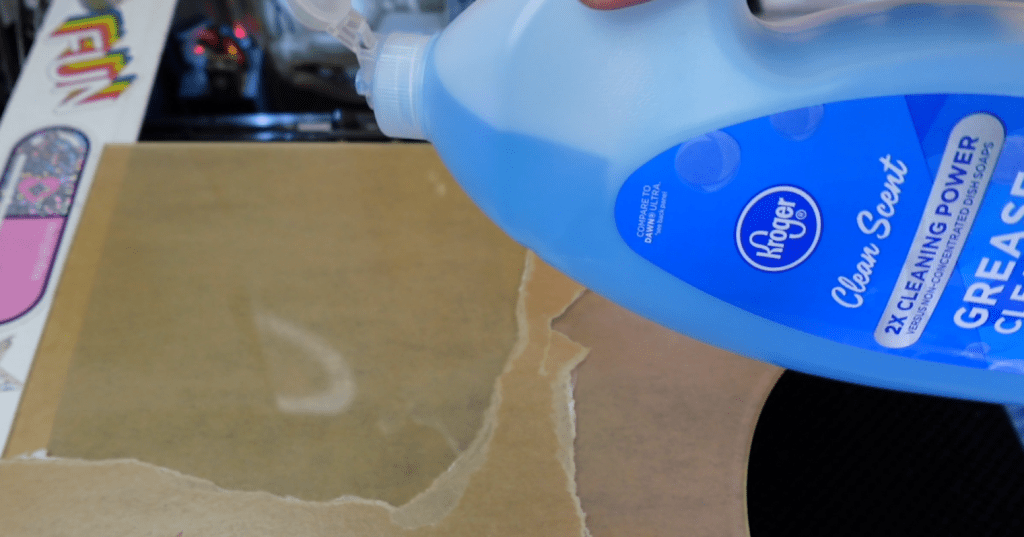
You can see the layer of dish soap. It forms a film that we can rinse and wipe off with no troubles at all. Now we just need to put it in the base! These bases will fit 3/8th acrylic snuggly, but this is 1/8th inch wide acrylic, so I put a little cardstock in there to keep it steady.
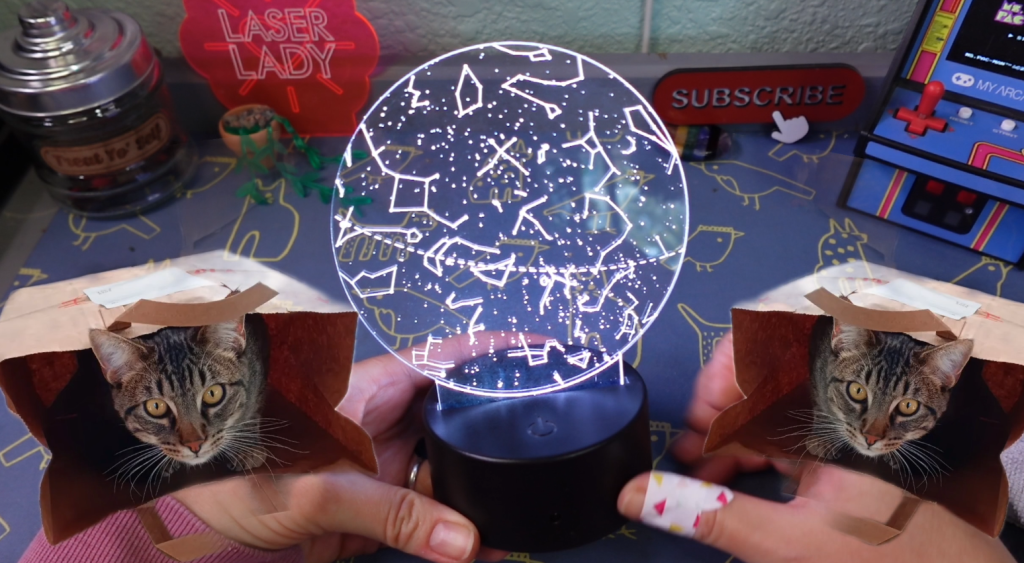
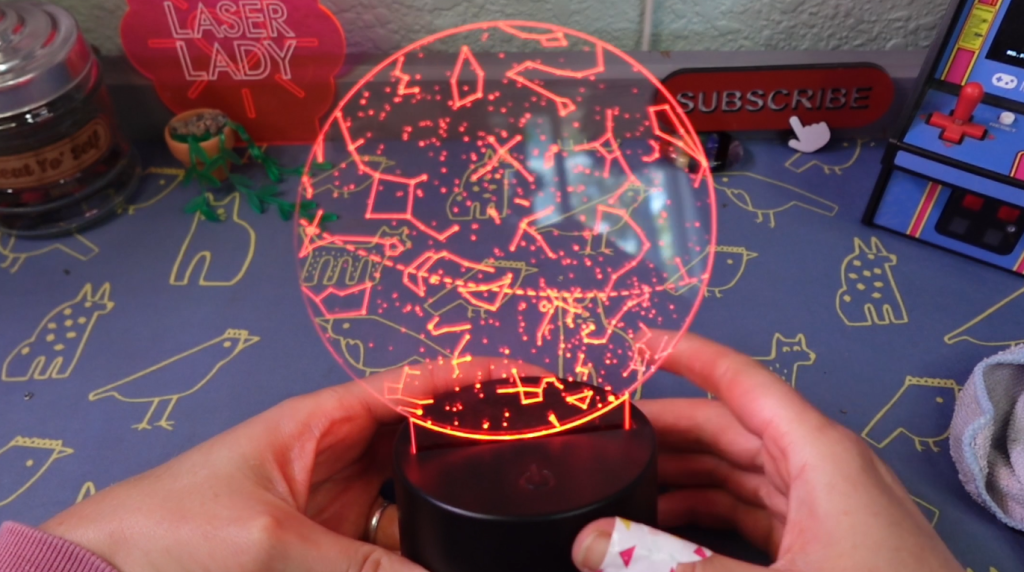
My cats took it upon themselves to hide the little remote this came with, but I can switch through colors with this touch sensitive button. Look how pretty!
This is a wildly easy project that would make a great present for anyone!
Project #2 – How to Make a 2 Color Sky Chart Ornament
This next one is just as easy, but it has one extra step that makes it shine as bright as the stars on it!
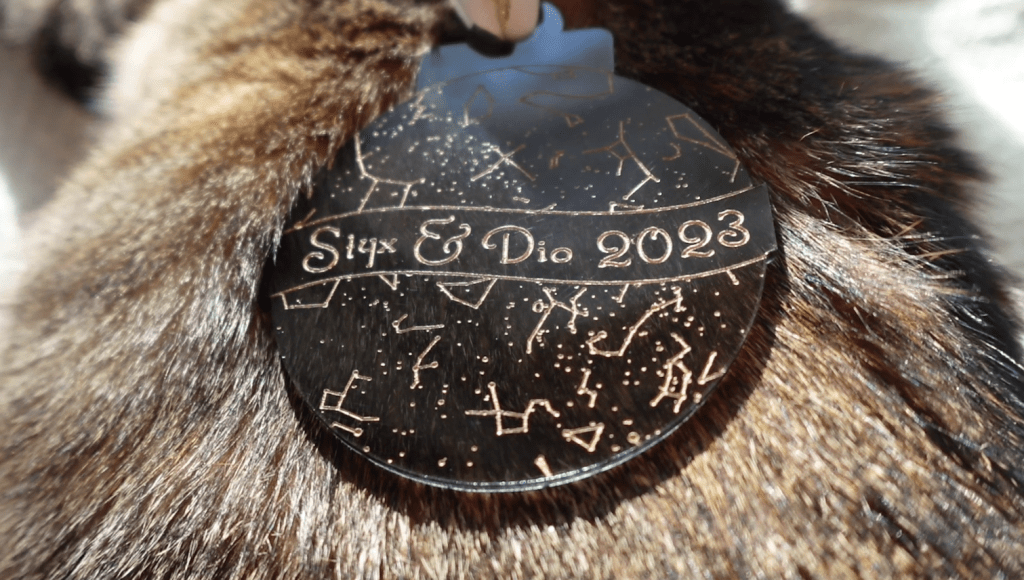
I need to draw out the ornament. If you use Inkscape, I have a few tutorials that will go step by step on how to make shapes come together like this one. It’s really just a few circles, and a rectangle. I weld together the main shapes and now we’ve got an ornament!
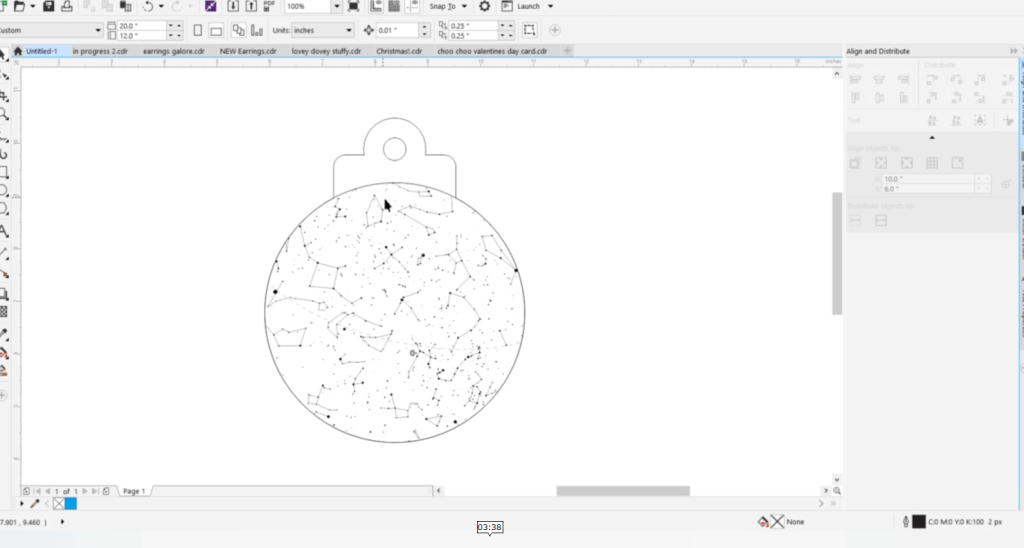
I go through the same steps as last time, making sure I add a curved line to engrave at the top to keep the sky chart in a circle. For the ornament, I want to add the names of my cats and their birth year. To make space for the text, I draw out a ribbon shape and fill it in with white to block out the stars behind it.
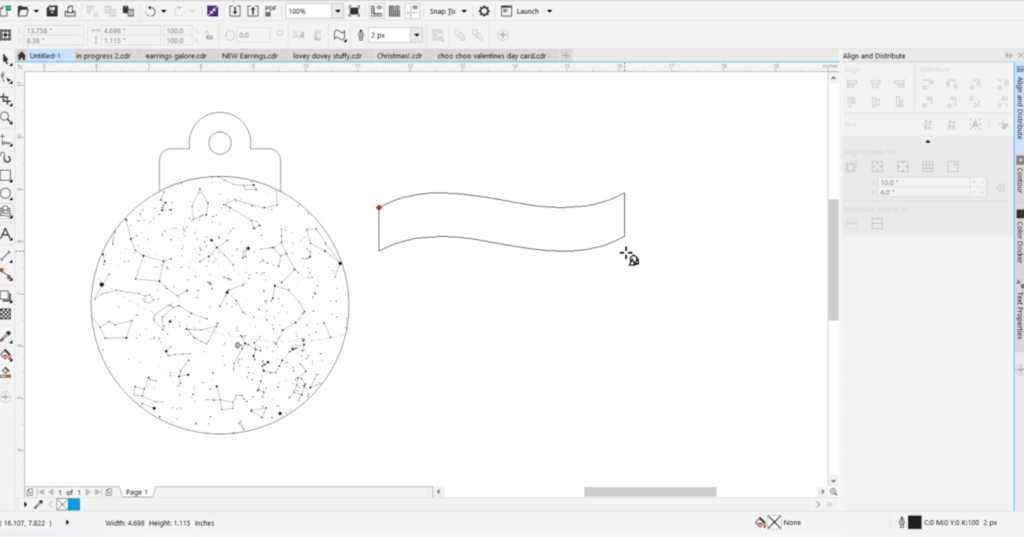
Then, I write out the text, break the letters apart and situate them in the ribbon. I centered the ribbon on top of the sky chart and made a new outline so the ribbon edges are part of the cutline. To save you time, I will have this as a free download for you to add your sky charts in and your words to!
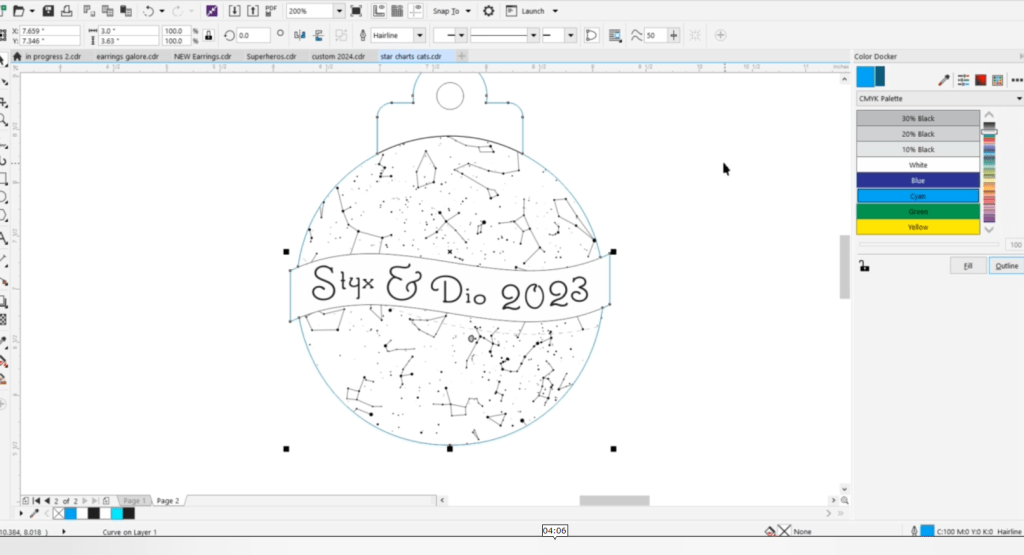
TIme to cut it out! I’ll be using a dark translucent cast acrylic with some more of that dish soap.
Once that is finished lasering, don’t wipe off the dish soap yet. First, I’m going to make these engravings pop with some rub-n-buff.
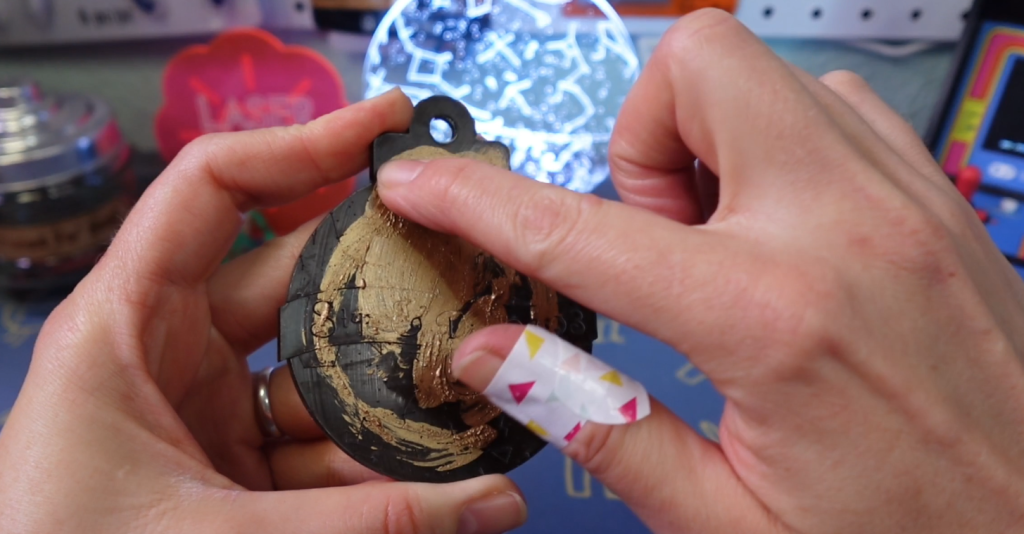
To put that on is exactly as the title implies. To get the remaining rub-n-buff off the ornament, I used a little Novus #2 Plastic Polish.
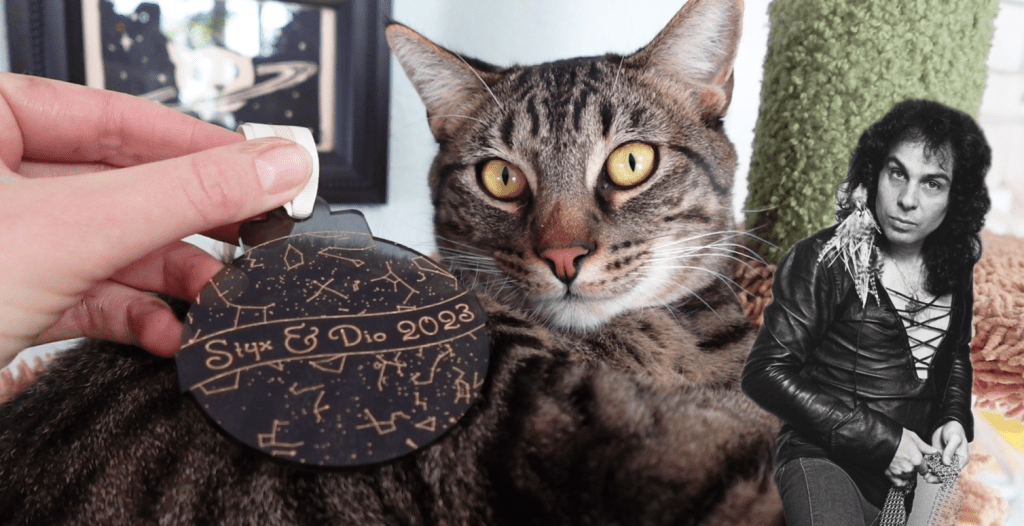
All it needs is a ribbon and now I can show my cats! This is Styx, named after one of my favorite bands. And this is Dio, named after Ronnie James Dio. My little rock n’ roll kitties.
Project #3 – How to Make a Sky Chart Shadow Box
This last one looks hard, but is entirely easy. There are a few steps, but can easily get done in less than a day.
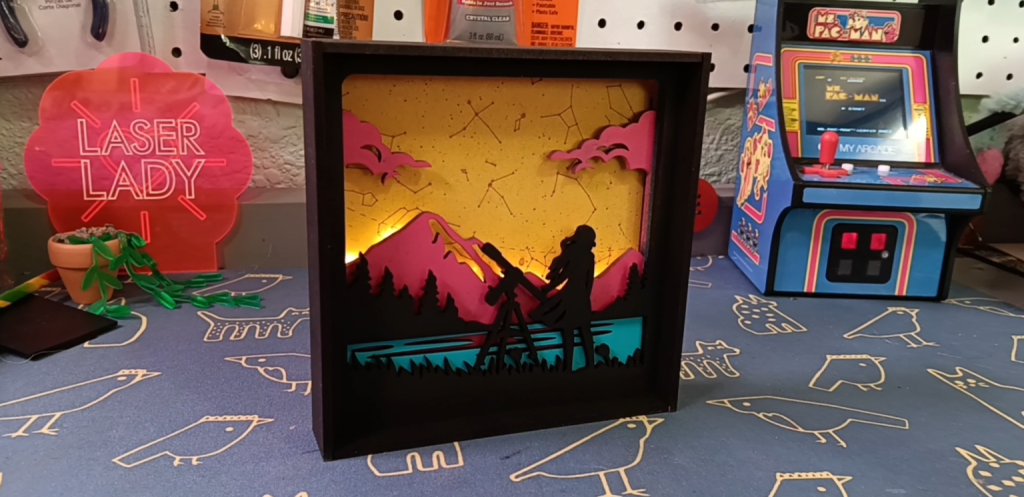
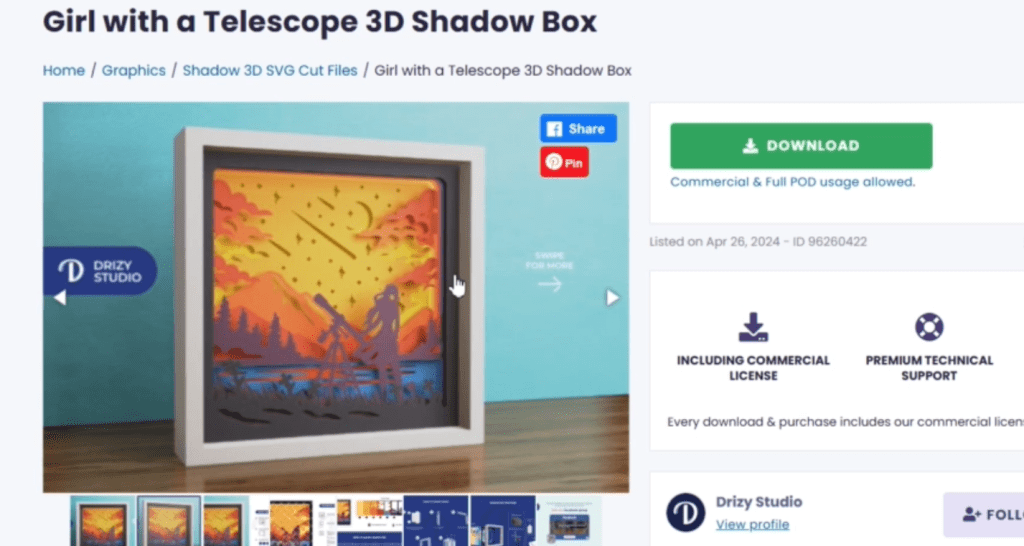
I wanted a cool 3d style shadow box, so I turned to CreativeFabrica.com. If you don’t have an account, you can download a few things for free in their trial period, so try this out!
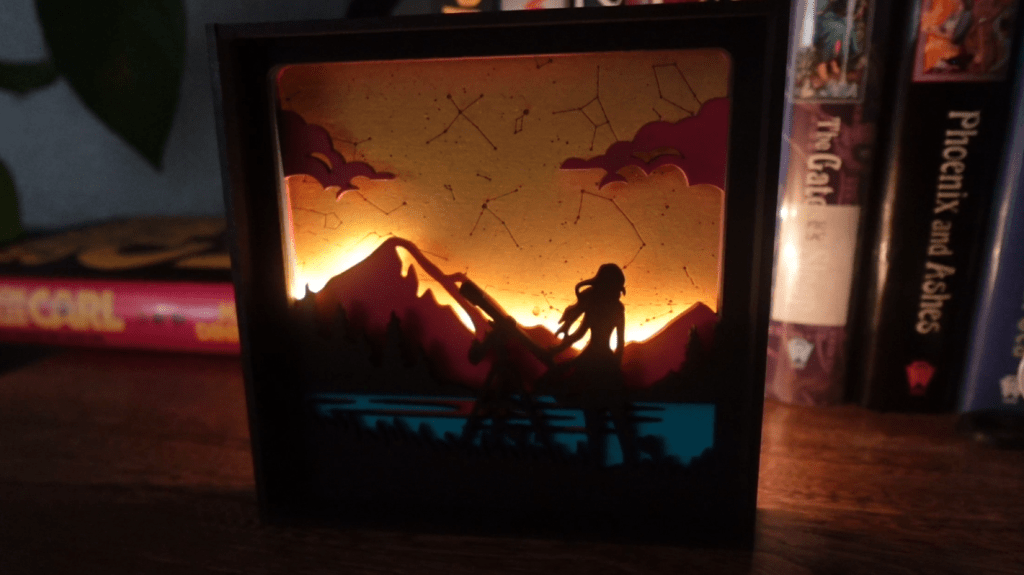
I searched for “girl with telescope” and found this craft file. It’s normally for paper crafts, but today, we are going to laser it!
The plan is just a few colorful layers with our sky chart as the very back layer. I figured out which layers I was going to use then scaled them down. I altered a few things to make sure there weren’t any bits that are too thin or not needed.
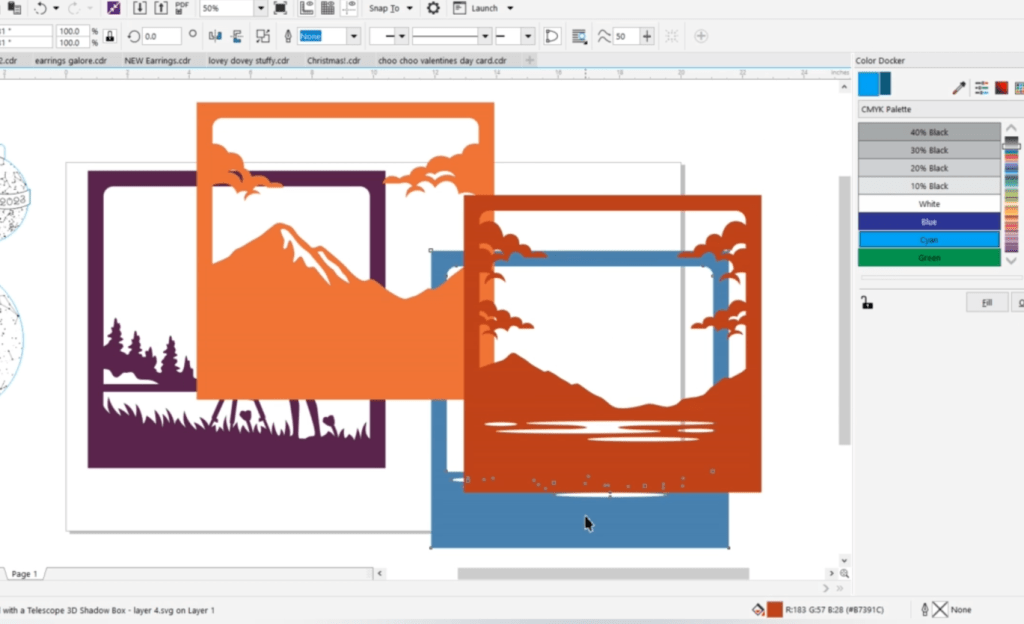
Since the sky chart is round, and this is square, I scaled it up and then needed to delete some of the overhang. I also made some rectangles to wrap around as a frame.
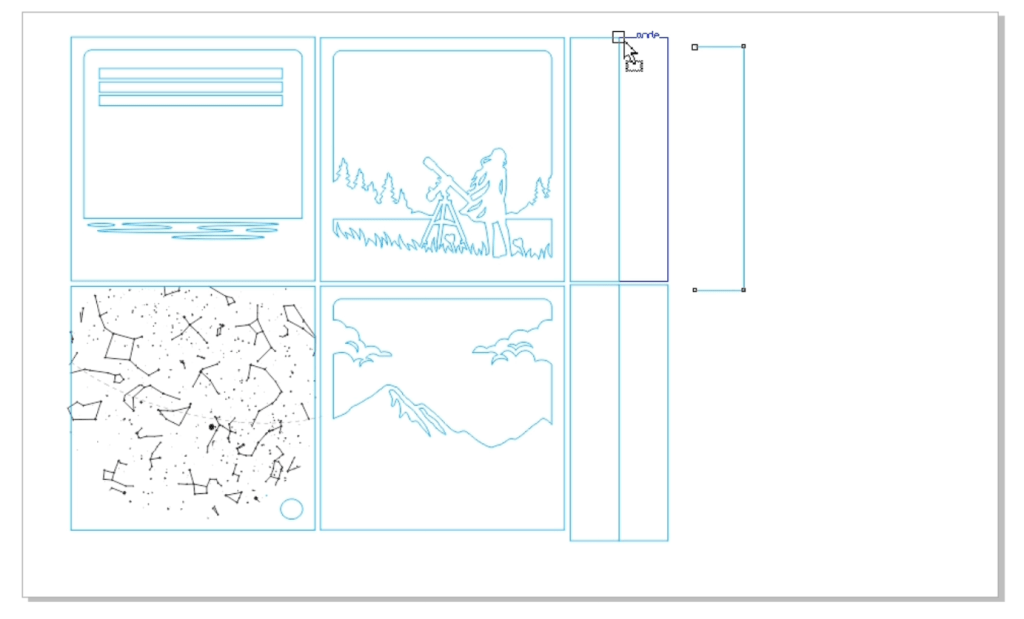
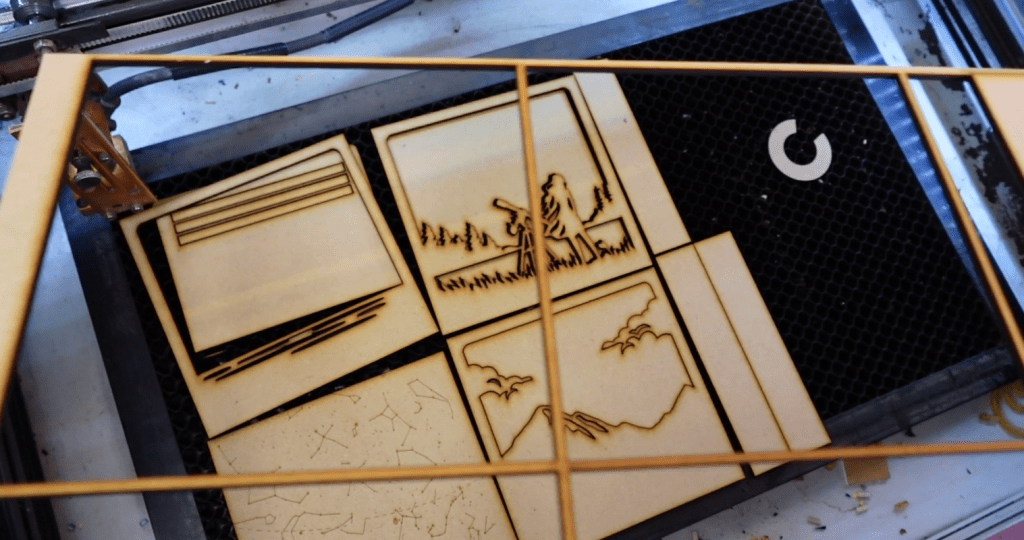
Once everything was just right, it was time to laser it out of 1/8th” MDF!
There are a lot of other shadow boxes you can download on Creative Fabrica! Instead of buying files like these one by one, it’s a super low monthly or yearly fee. It’s truly a great resource if you are looking for inspiration and products!
Now that these are cut out, let’s paint them! The mountain and lake squares need to be primed before they get their color. MDF is like a sponge, so that really helps make these bold and bright.
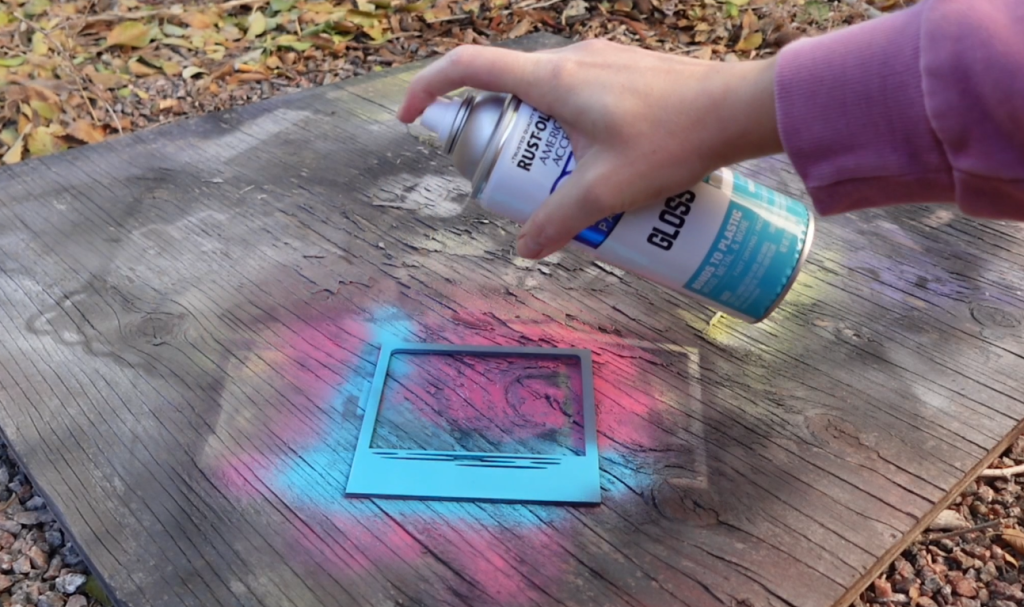
But, for the sky chart layer, we are going to use MDF’s sponginess to our advantage. Skipping the primer for this layer will soak up the color and not cover up our stars.
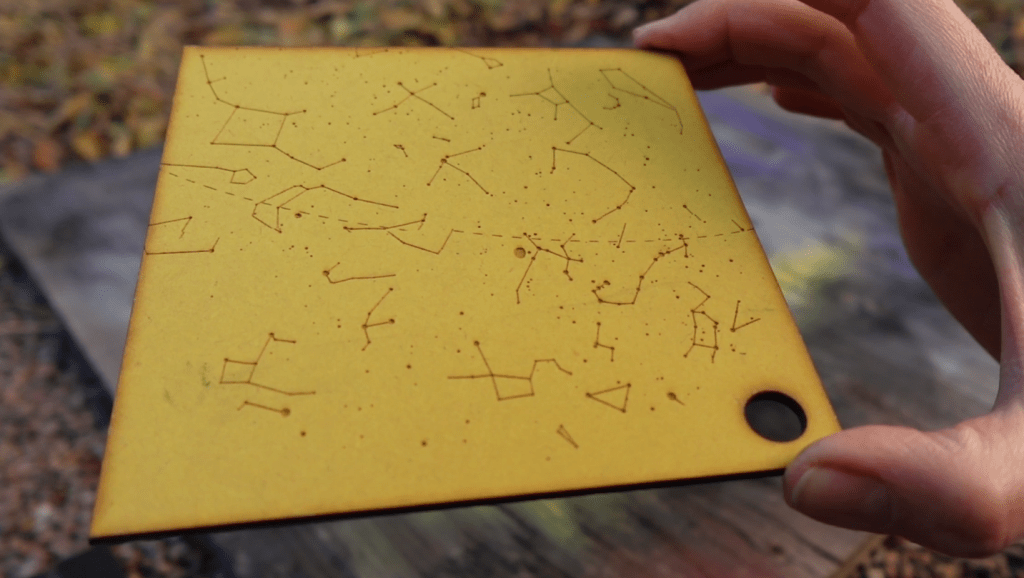
Once dry, let’s glue this together! I had made a hole in the sky chart square along with these extra rectangles so I could make some room for some fairy lights! The other layers I glued on top of eachother, then wrapped the frame around it. I touched up some of the paint inside the frame.
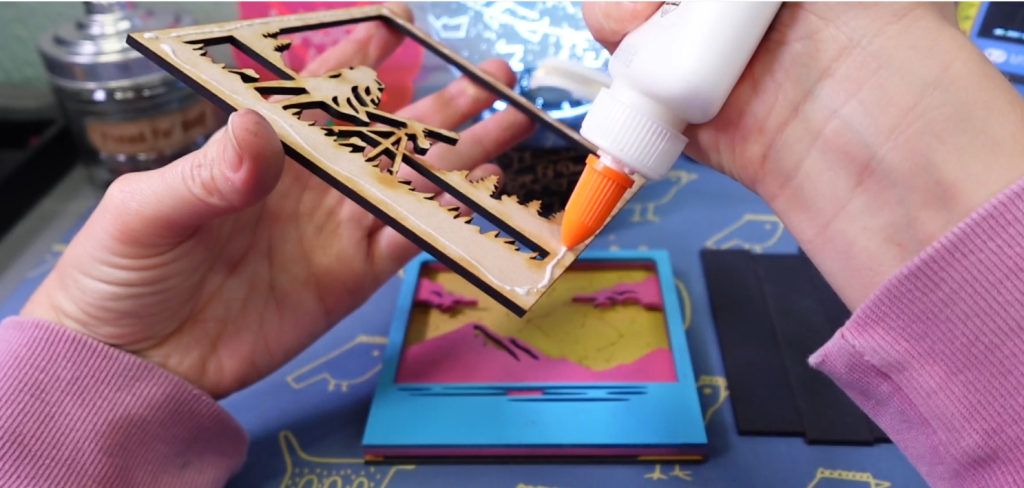
Now, I can try to squeeze these fairy lights in there. I had picked these up on clearance after last years Christmas. There is a little bit of space behind the mountain, I think it will look so fun!

There are a million projects you can make with a personalized sky chart that you can generate and download for free! What Projects will you make with them?
Check out my other laser tips and Inkscape tutorials!
Sign up for Creative Fabrica’s All Access Free Trial and enjoy 10 free downloads to kickstart your creative projects. Plus they’re having a Subscription Sale, so check it out and Happy Crafting!
Watch the Full Tutorial in the video below!
➕ Subscribe to my YouTube Channel HERE
 Learn with Laser Lady
Leave a comment