

Can a 10W Diode Laser Hold Up?
10 Free Downloads Await! Sign up for Creative Fabrica’s All Access Free Trial and enjoy 10 free downloads to kickstart your creative projects.
✨ Supplies
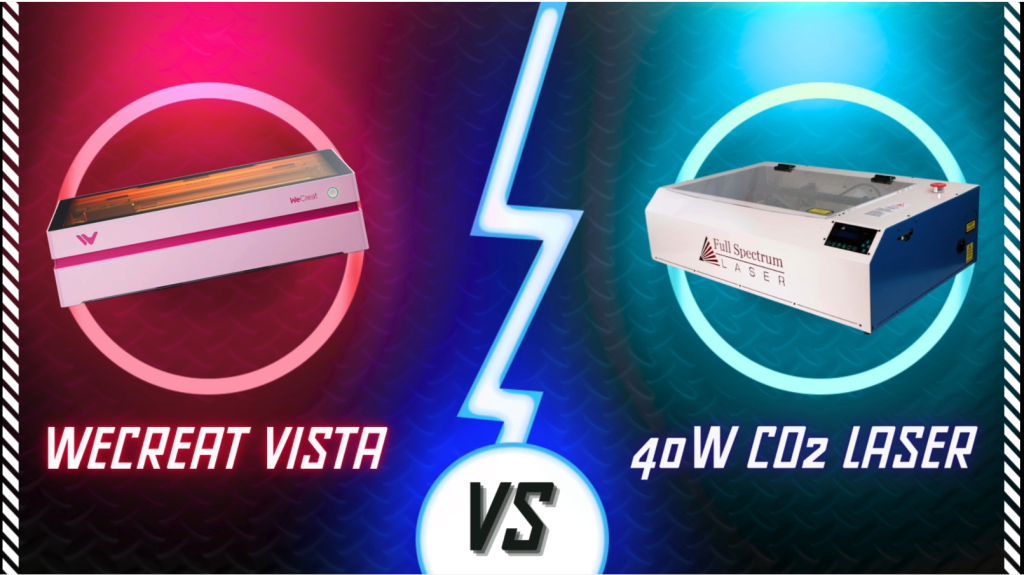
⇢ WeCreat Vista FlipLaser Engraver and Cutter with Rotary & 2W IR Laser Head
⇢ 11 Year Old 40W CO2 FullSpectrum Laser
⇢Wood
⇢Acrylic
⇢ Anodized Tags
I’ve been working with lasers on a professional level for 11 years. Since 2014, I’ve had my laser based jewelry business which earns me more than a sustainable fulltime income.
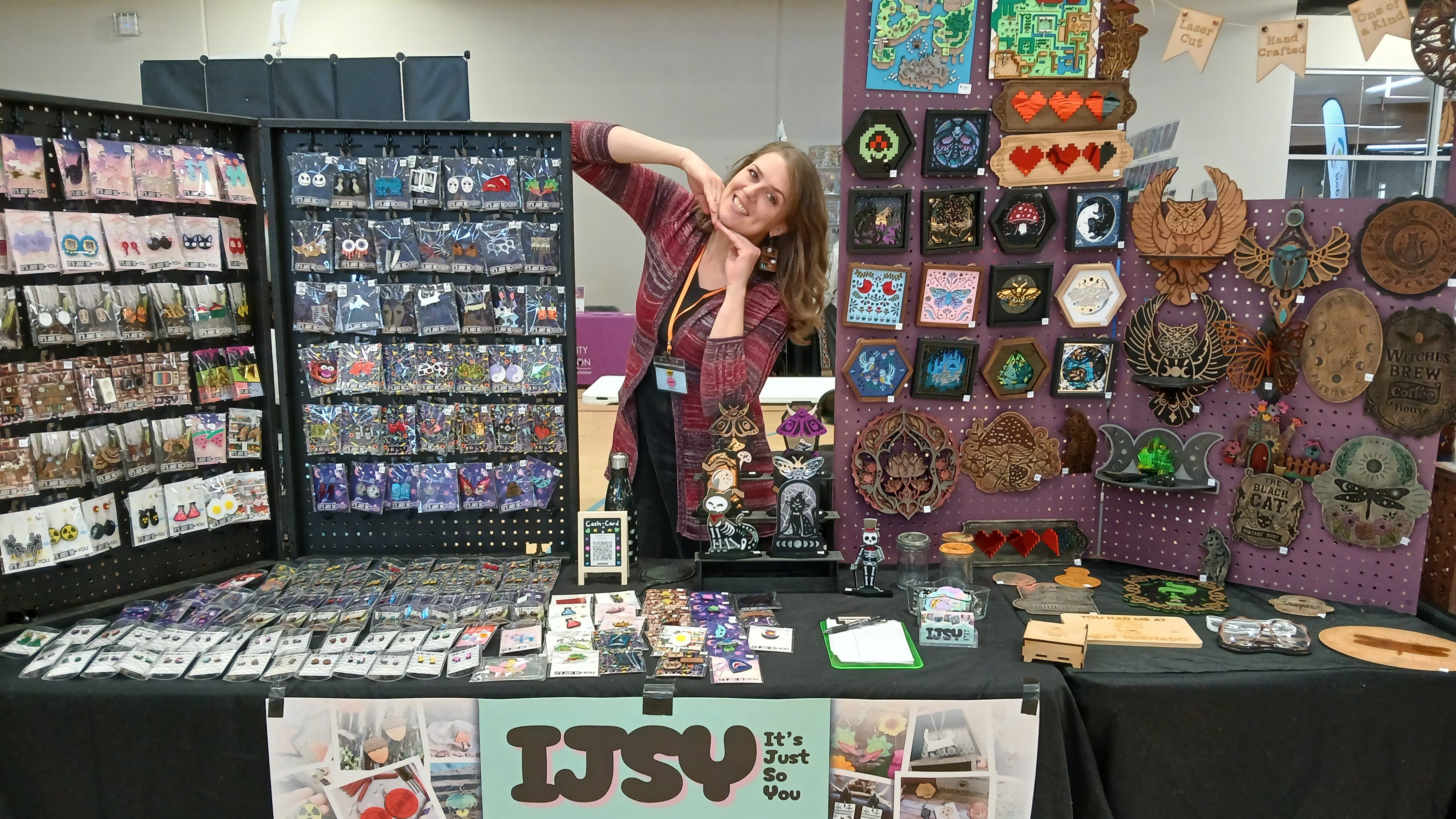
So, when WeCreat reached out to send me a free laser to review, I was hesitant. But… diode lasers seem to continue to be popular umongst the many, so I knew it was time to put it to the test!
Can a 10W Diode Laser be enough to sustain a Laser-Based Business? Can it hold up to my high expectations as an entrepreneur?
➕ Subscribe to my YouTube Channel HERE
Battle 1 – Extreme Engraving Detail Challenge
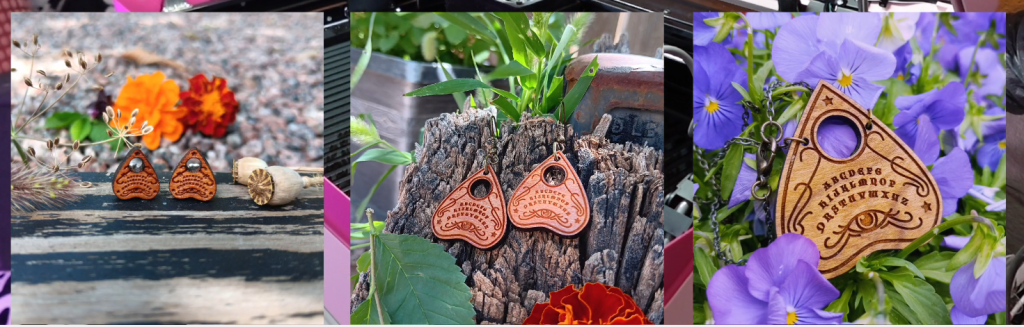
Let’s start this battle with something I make and sell often! These Ouija Board Planchettes are made of solid cherry wood and are highly detailed!
The 40W needs manual placement of the wood, as well as, manual focusing of the laser head. Once I make sure the parameters are within the wood and the laser program is set, I push that one through and it get’s cooking.
The WeCreat Vista has a super awesome feature that my other laser doesn’t have, and that’s a camera! I can put in the wood all willy nilly and the MakeIt! program will take a picture of the laser bed and allow me to fit in the design wherever I like.
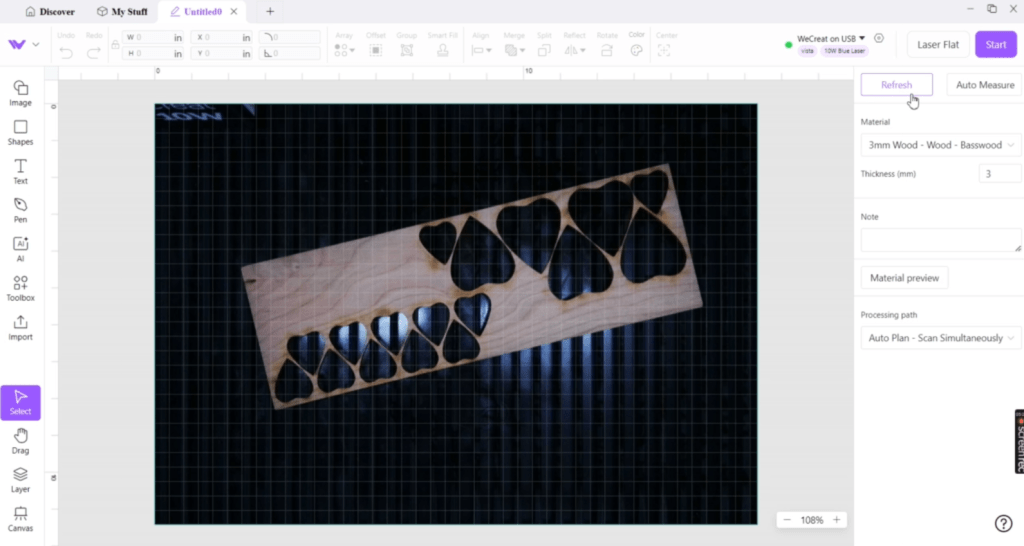
I can set the laser levels to a preset or manually set the speed and power levels. These are pretty detailed, and I want a deep engraving, so I guess the best I can fire up this pink beauty!
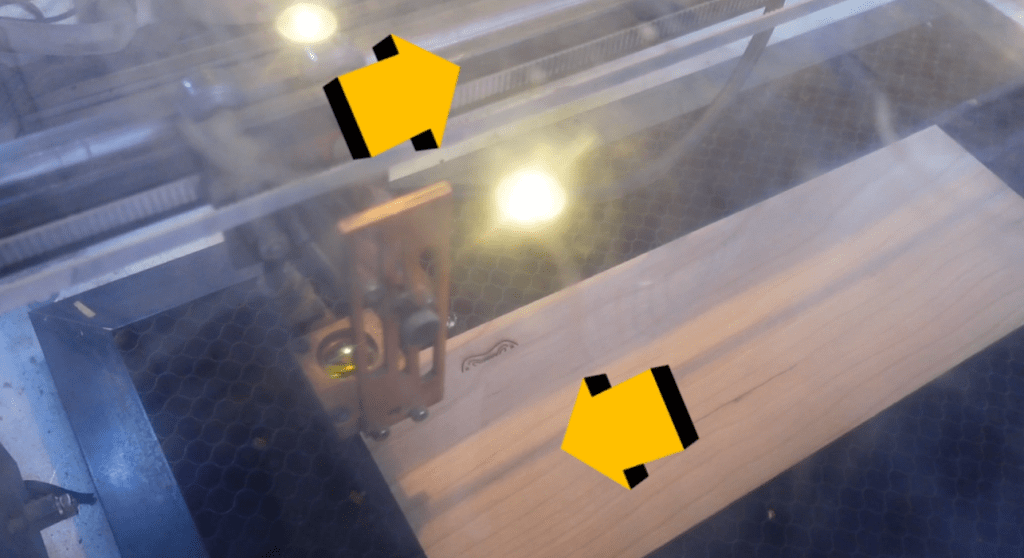
The first thing I notice as a comparison, is the 40W laser engraves right to left AND left to right, thus cutting down the run time compared to the Diode laser which only engraves left to right. The difference is only a few minutes for the entire run time.
Everything is done engraving and cutting out so let’s compare!
The WeCreat Vista laser has cut out the wood without problem and the engravings look great! Very precise! I am actually impressed at the quality as the pieces get smaller.
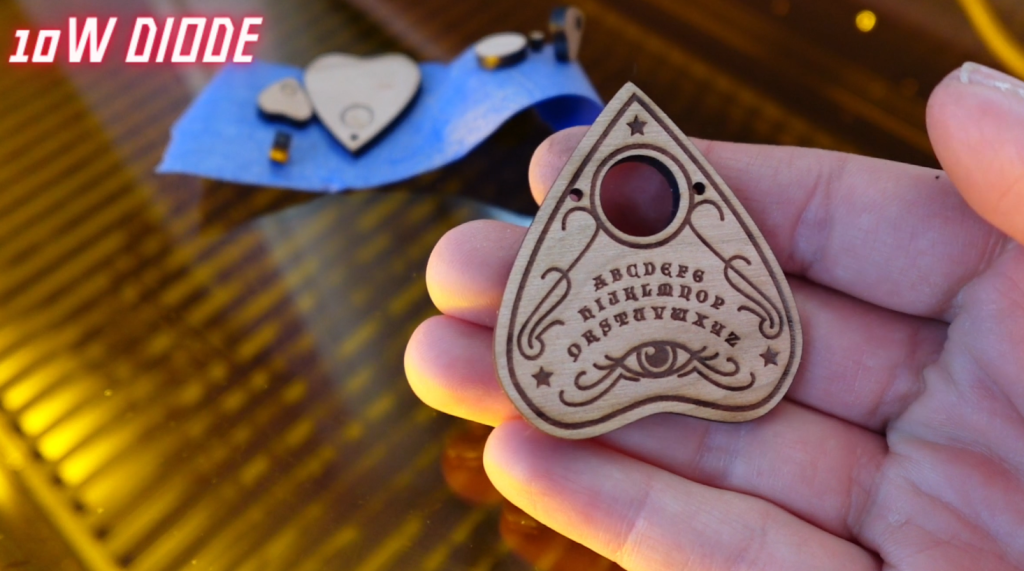
I have been making these for years with my 40W laser, so it is no surprise that they have come out just the way I like.

When compared next to eachother, the engraving colors vary slightly and I gotta say, I like them both! The Diode is more dark, while the 40W has a more red hue in the engravings on this cherry wood.

So, who wins this battle? I’d say it’s a tie! Can the next challenge break it??
Battle 2 – Wood Signs
Sometimes bigger is better, so let’s size up! We already know the 40W laser is faster, but how long does it take to make a sign this big?

Measuring about 11 by 7 inches, and with a pretty deep engraving, this sign is going to take the WeCreat Vista about an hour and a half. Luckily I got the other laser running, also. It’s making a few smaller signs.
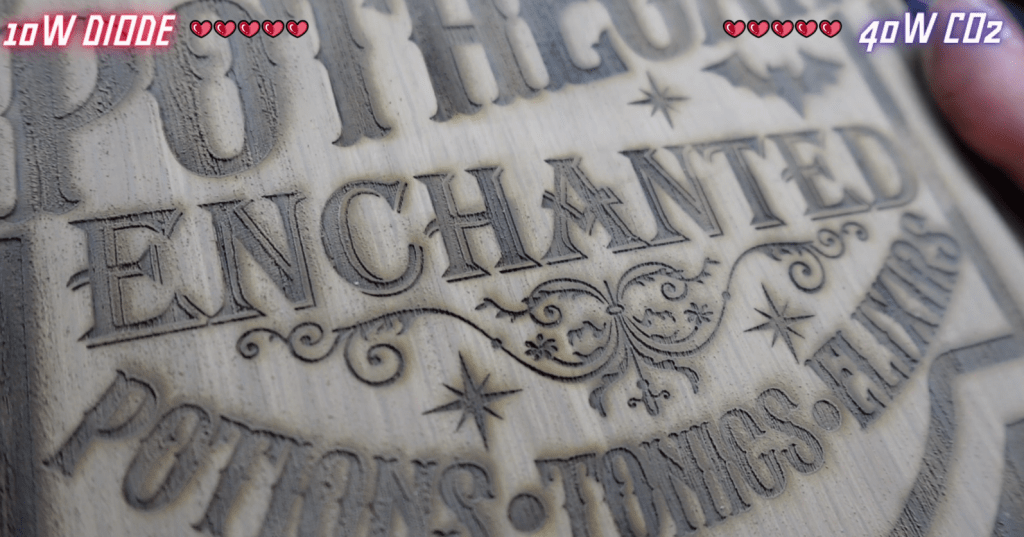
Let’s compare the engravings of big things!
You know, everything looks great again! I suppose that is not surprising. I think the conclusion here is they are both super great with wood!
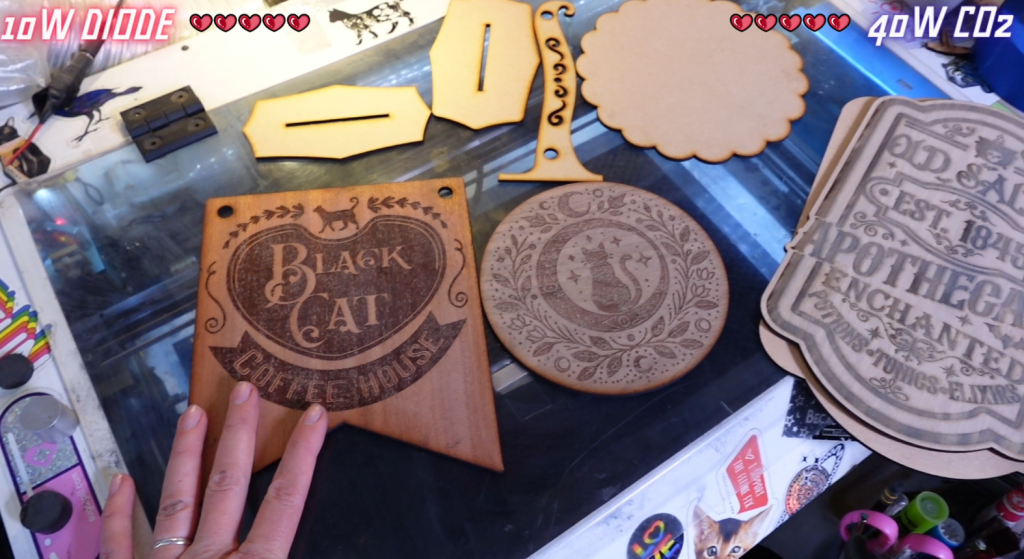
So, another tie! But, what about Acrylic??
Battle 3 – Acrylic
In case you didn’t know, Diode Lasers can only cut a select few types of Acrylic. They mostly range from solid colors. Clear or translucent acrylics will not cut because the wavelength of light disperses through the acrylic instead of slicing through.
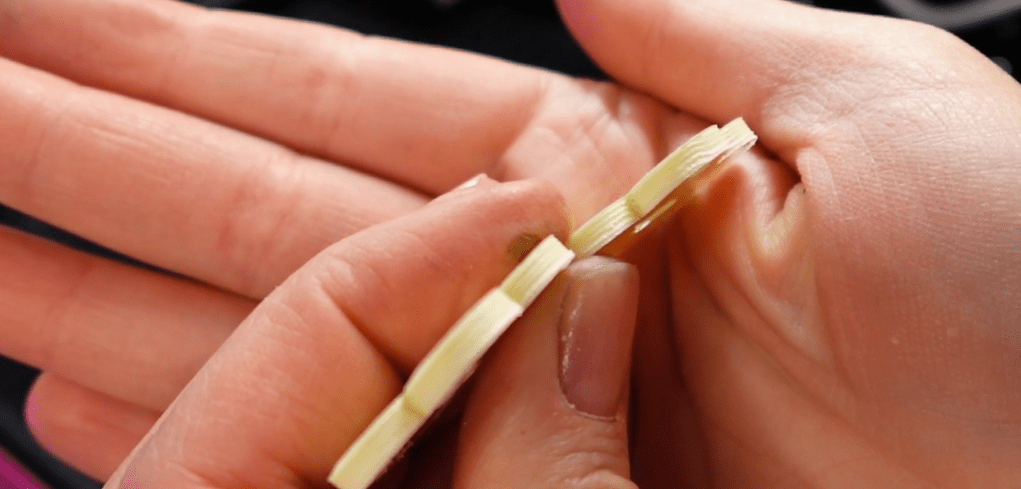
When I was familiarizing myself with the WeCreat Vista, I tried to cut a diode compatible color called Daffodil Yellow from CraftCloset. It did cut through! But! It took many passes and because of that, the edge was very textured.
But, I wanted to see if it can cut through the most basic of all acrylics, and the most popular ~ Standard Black Acrylic!
I am going to try to cut out Star Wars Imperial Cogs with both lasers!
The 40W can cut through the stuff like butter.

The WeCreat Vista on the other hand… it cut through! BUT! It took two passes.
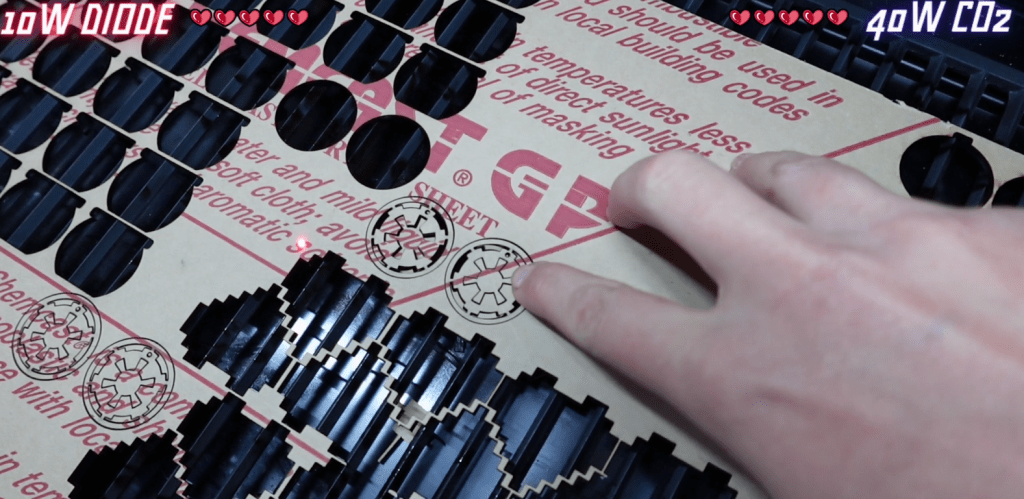
Let’s compare. They are truly identical! The only way I can tell them apart is by the edge. The diode laser took two passes and you can see each on the side. However, it did cut!

The winner of the Acrylic Battle is…. the 40W Laser! It can cut glitter, clear, fancy, non-fancy and so much more, kinds of acrylics.
Battle 4 – Anodized Metal
The thing with anodized metal is that we aren’t engraving into the metal so much as we are obliterating the anodized layer with our scary science machines.

I have some dog collar charms and I want to make them into jewelry pendants.
Since I didn’t bother with a jig, I have to center the design painstakingly by guessing in the 40W. Using the amazing camera function on the Wecreat Vista, I can center my design on the charm and switch the material to metal so the laser levels are adjusted for me.
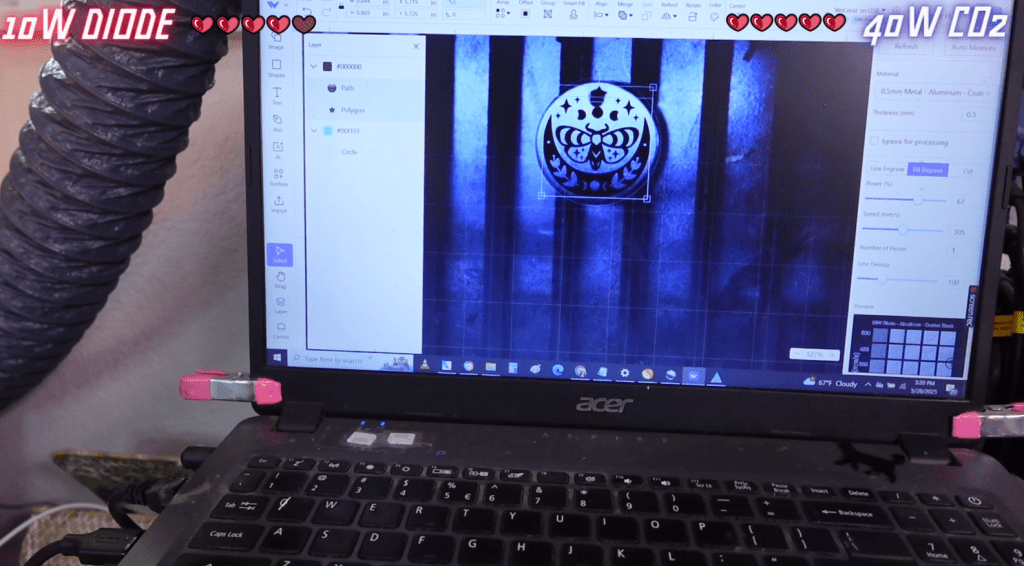
Just a few moments later and we can compare! Wow! They both look great! It’s going to be hard to pick a winner but I promise I won’t make it a tie again!
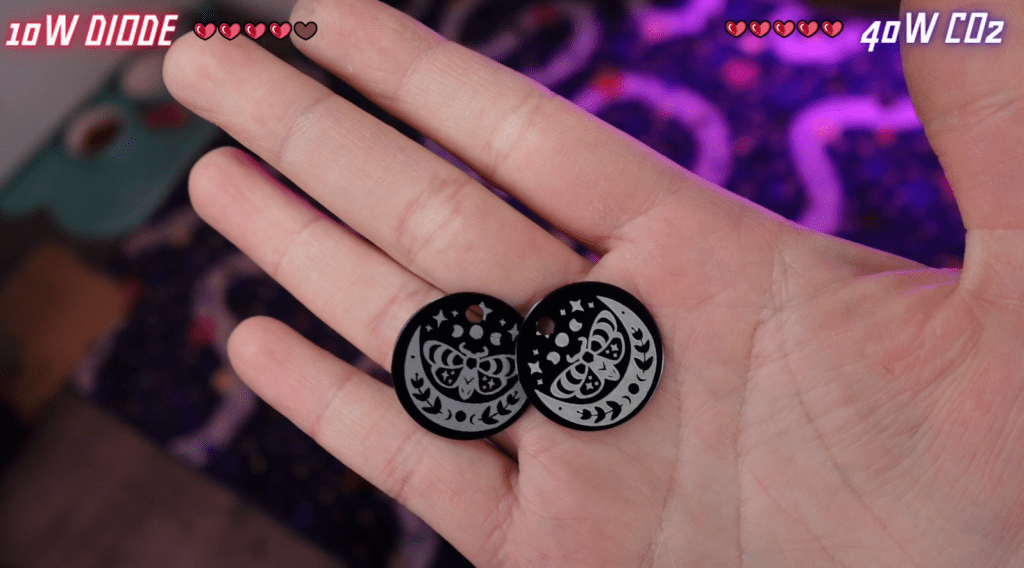
The winner is… the WeCreat Vista! The fact I can use the camera and adjust the levels automatically by selecting the material gave it this win!
Battle 5 – Leather
I have a whole video on how to make leather turn out even better in your laser, but to summarize it, wet leather engraves and cuts the best!
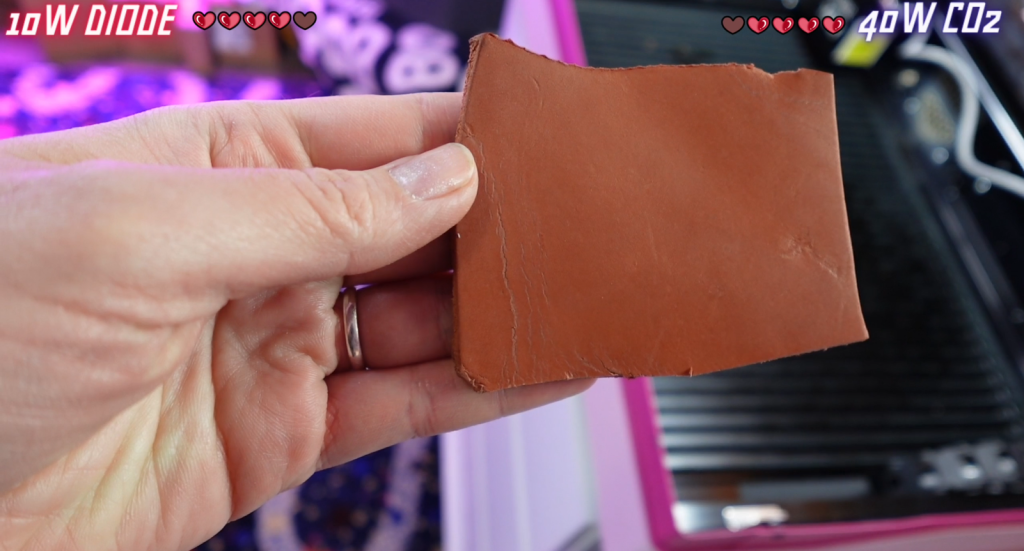
After I soaked this scrap piece for a while, it is ready to compare!
There is a leather preset material but I am going to alter it slightly, as this tanned leather is pretty thick.
After the WeCreat Vista engraved and cut it out, it’s time to give the 40W a try! Let’s reveal!
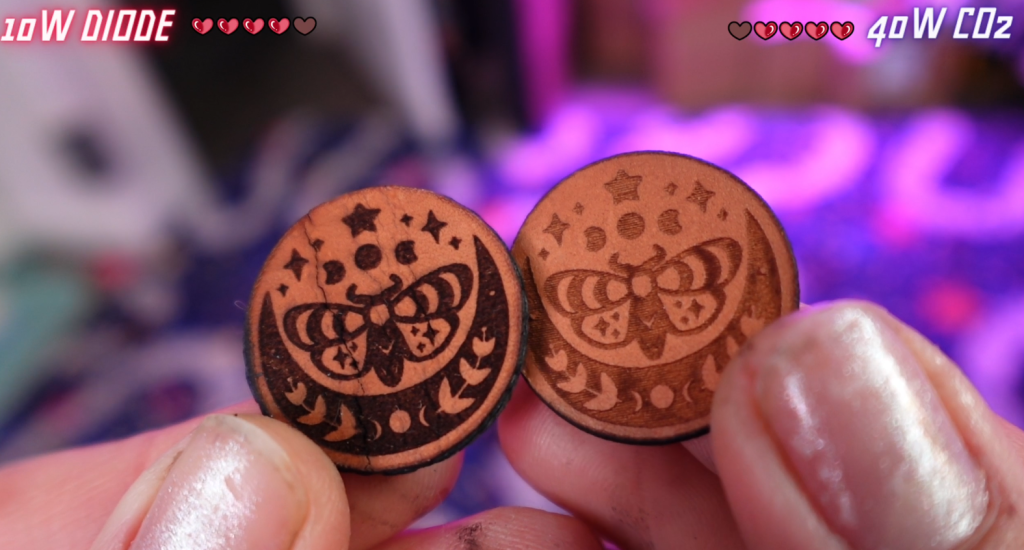
Here we are again! They both look great! The way the settings were on the Vista made the engraving dark, but not deep. It’s the opposite on the 40W. It’s deep, but not as dark. And, both cut out.
I’m so sorry to have to do this again, but it’s a tie!
Time for a Tie-Breaker
If you are getting sick of ties as much as I am, let’s throw in a heck of a handicap!
Never before have I bothered with a rotary attachment. I’ve become a bit jealous over the years about it, actually. I’ve given it a try while I was familiarizing myself with the laser. I like it a lot.
The Rotary PRO attachment really kicks it up a notch. But, here’s the real kicker – the 2W Infrared Laser head.
No spoilers, but the 2W IR Laser Head kind of changes the game. But, I said no spoilers…
So, let’s get into the BOSS battle-
Boss Battle – 2W IR Laser + Rotary Attachment
This is an unfair battle to begin with. It’s kind of like bringing a knife to a gun fight. Let’s do it anyway!
Switching over to the 2W IR Laser head is as simple as unscrewing some screws, unplugging a harness, plugging in a different harness and screwing in some screws. Seriously.

Installing the rotary is even easier, assuming you are able to screw 2 screws and plug in a cable.
With everything switched over for this Boss Battle, let’s obliterate the capabilities of my 40W, elder laser.
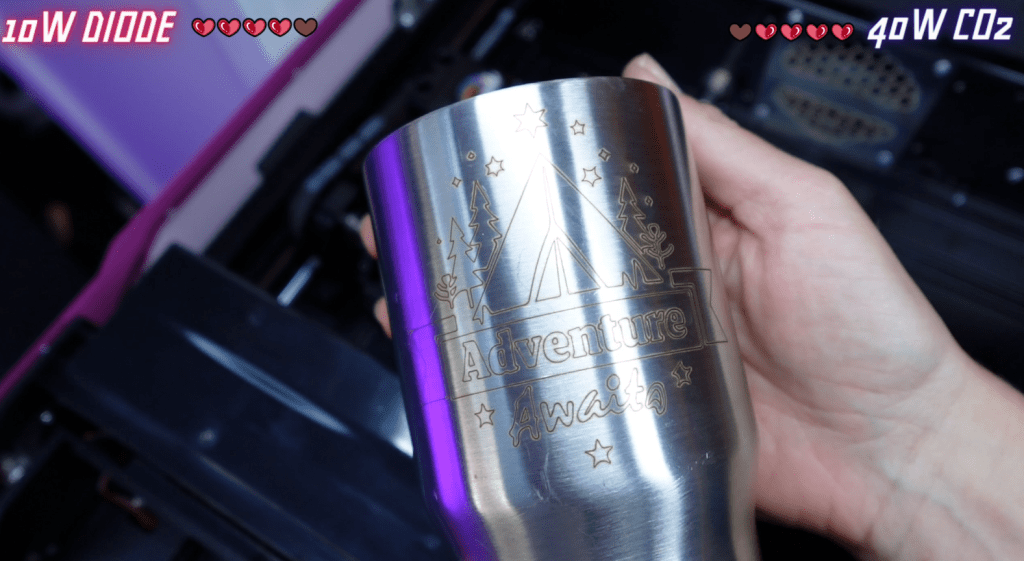
I got this stainless steel mug from Target for only $3. With the WeCreat Vista Rotary PRO attachment, it expands the engraving area, amongst other things, which is great for a short mug like this.
I can use the camera and align my images easily. I like easy.
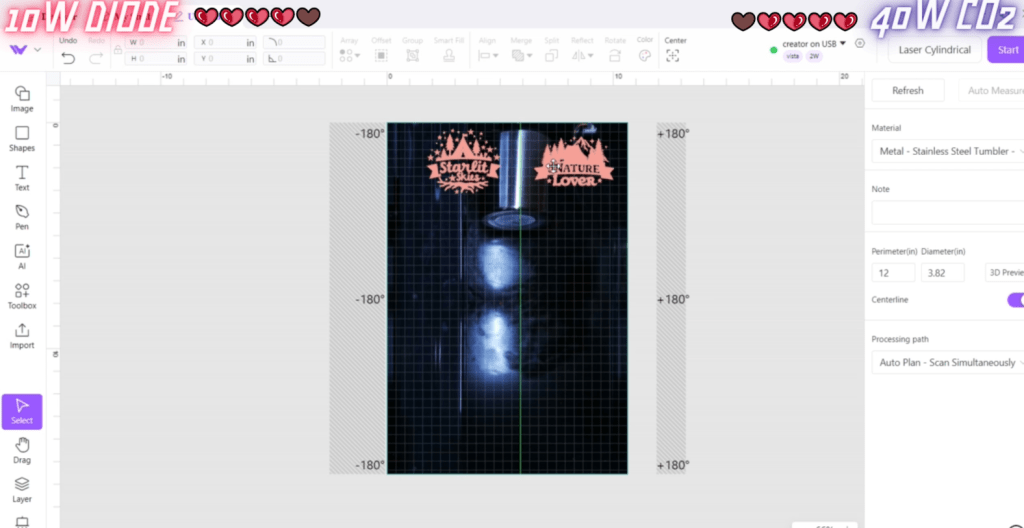
Unfortunately for me and my newb status, I messed up the settings for this mug.
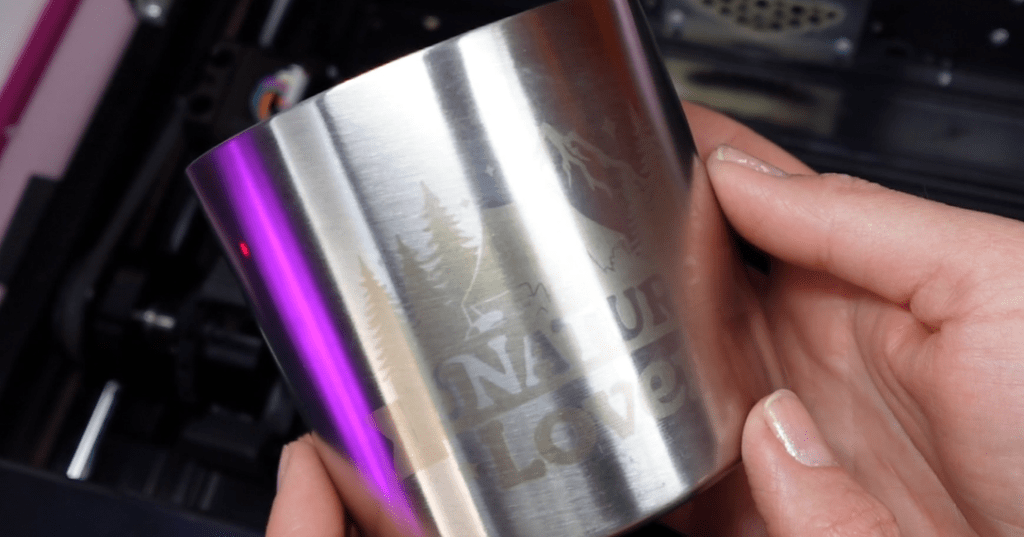
Bring in the backup! With this mug that’s been hiding in the back of my cupboard I used the Infrared laser to line engrave – that’s right! Engrave! – into the metal!
It made me wonder what other metals I could engrave into? I grabbed a sterling silver ring I had leftover from my silversmithing days and gave it a go!
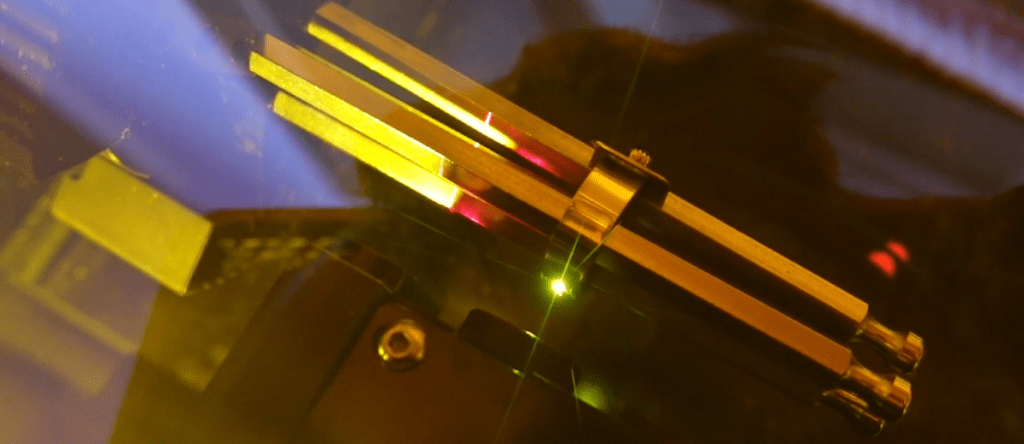
The extension bars make holding onto something this little easy and the camera function made engraving onto it even easier!
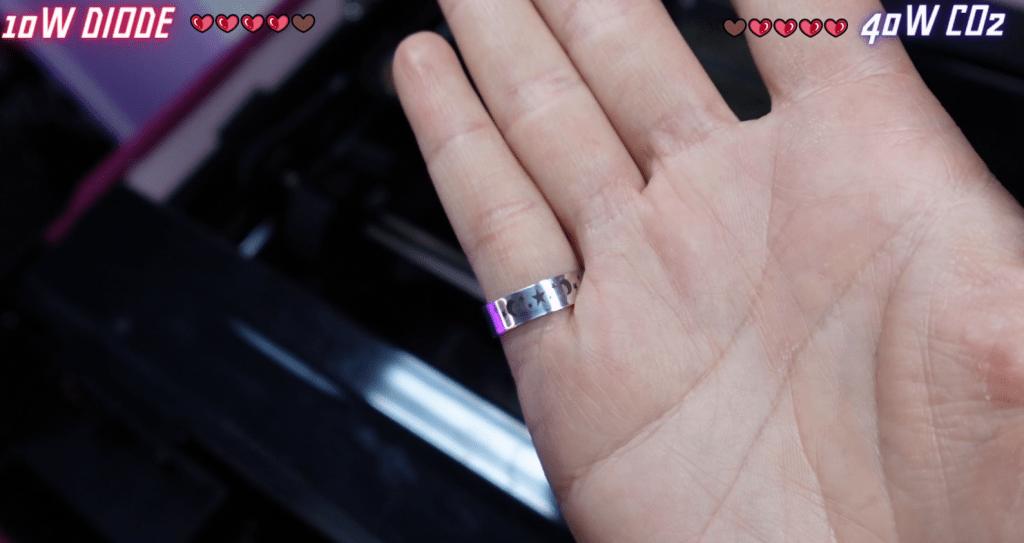
I have to say, the engraving on this sterling silver ring looks amazing!
So, who is the winner of this round? I think we all know – it’s the WeCreat Vista FlipLaser!!
Conclusion
So, is a 10W Diode Laser enough to start a Laser Business? I think so! You can make SO much with wood, leather, slate, paper, laser safe iron on vinyl, anodized metals and more! Plus, the rotary attachment can expand your product line in so many ways!
I hope you consider them for your next business with lasers!
If you’d like to see what it’s been like with my laser business for the 10 years, and how much I’ve made, then check THIS OUT.
Happy Crafting!
Sign up for Creative Fabrica’s All Access Free Trial and enjoy 10 free downloads to kickstart your creative projects. Plus they’re having a Subscription Sale, so check it out!
 Learn with Laser Lady
Leave a comment