

Will a 10W Diode Laser Hold Up?
✨ Supplies
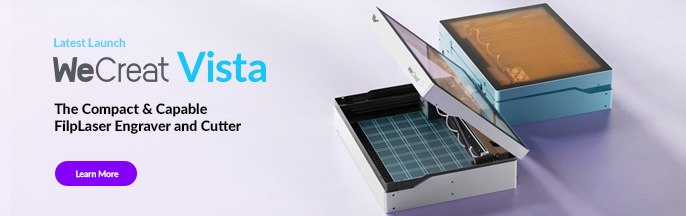
⇢ WeCreat Vista FlipLaser Engraver and Cutter with Rotary & 2W IR Laser Head
I’ve been working with CO2 Tube Lasers every day since 2014. Honestly, if it wasn’t a CO2, I wasn’t interested. So, when I had the opportunity to try out the WeCreat Vista, I wasn’t sure it would even be capable of integrating into my business. I’ve spent a few months with this laser now, and if you were wondering if you can start a business with a WeCreat Vista, then you need to see what I found out.
➕ Subscribe to my YouTube Channel HERE
Don’t Make This Mistake:
I have seen people in the market to buy a laser commit this one mistake time and time again and that mistake is simply not knowing what they are getting themselves into.
Sure, there are plenty of cheap, rail only, diode lasers on amazon you can get shipped to your door in 2 days.
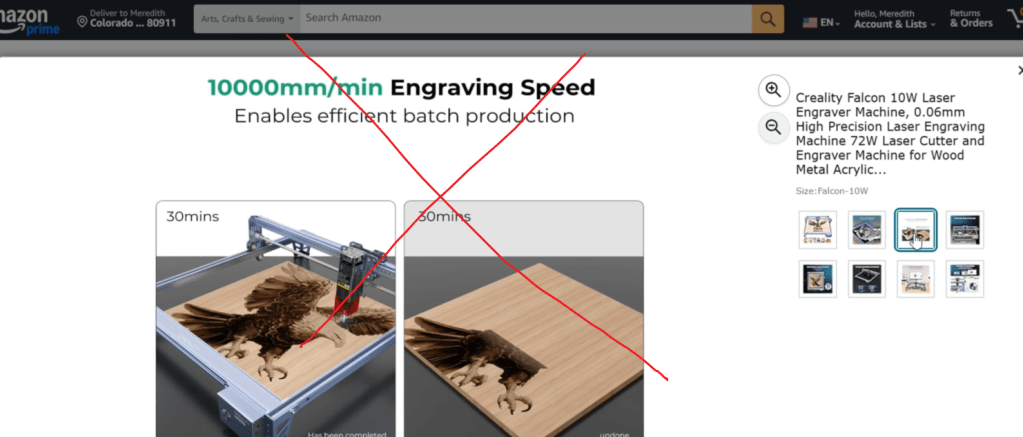
But how are you going to contain the fumes? Does it even come with an exhaust option or an enclosure for that matter? Who do you go to if you need help? Can it do rotary, or would you need to buy another machine for that?
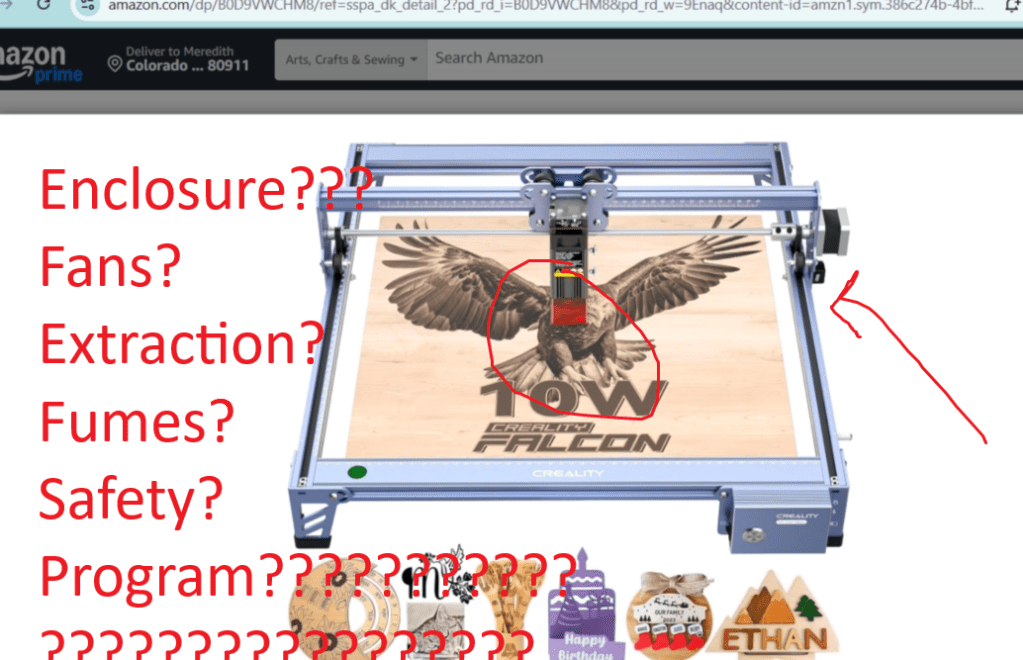
And this is the most important question of all – what laser programs are even compatible with this machine?
This brings me to my favorite part about the WeCreat brand –
Intuitive MakeIt! Laser Program
If you are already familiar with Lightburn, then you are in luck because this laser is 100% compatible. If you don’t even know what this is, no worries because any of the WeCreat lasers come with their MakeIt! Laser Program.
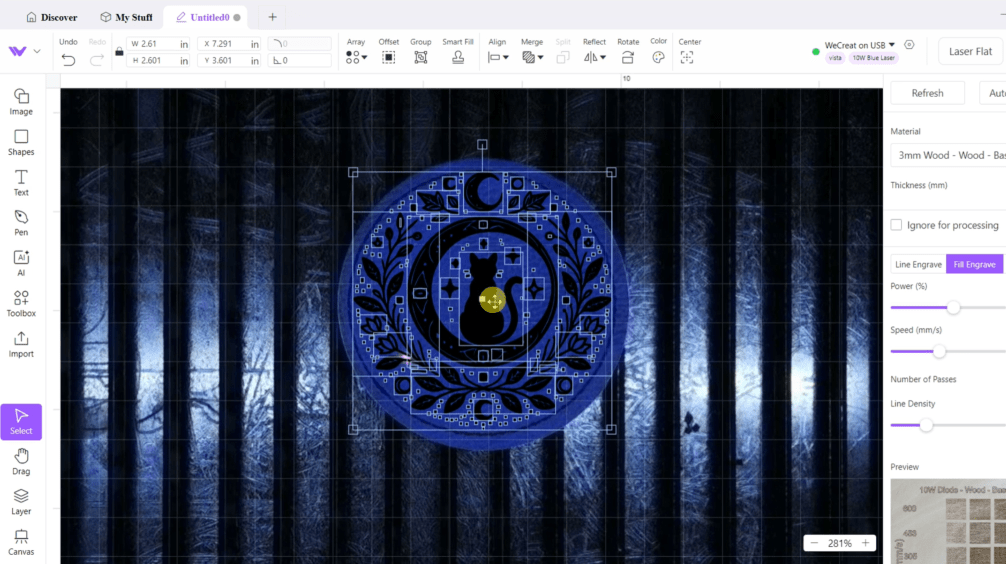
Each laser, whether it’s the Vista, Vision Series or brand new Lumos portable laser, works with the MakeIt! program!
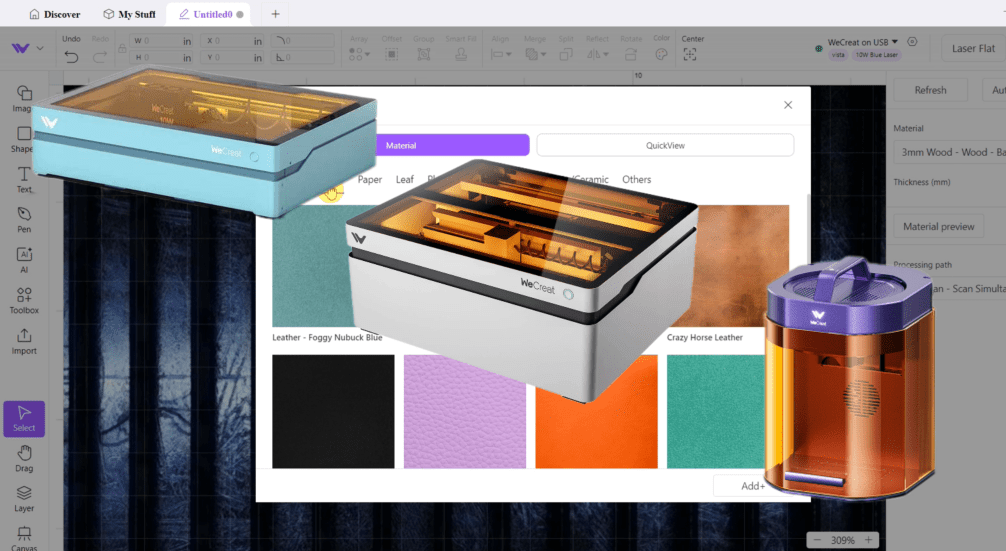
I’m not going to give you a whole tutorial, but here’s a few stellar features that I love!
Apart from its own designing and personalizing capabilities, my favorite part is simply the camera function. With this you can use every square inch of space.
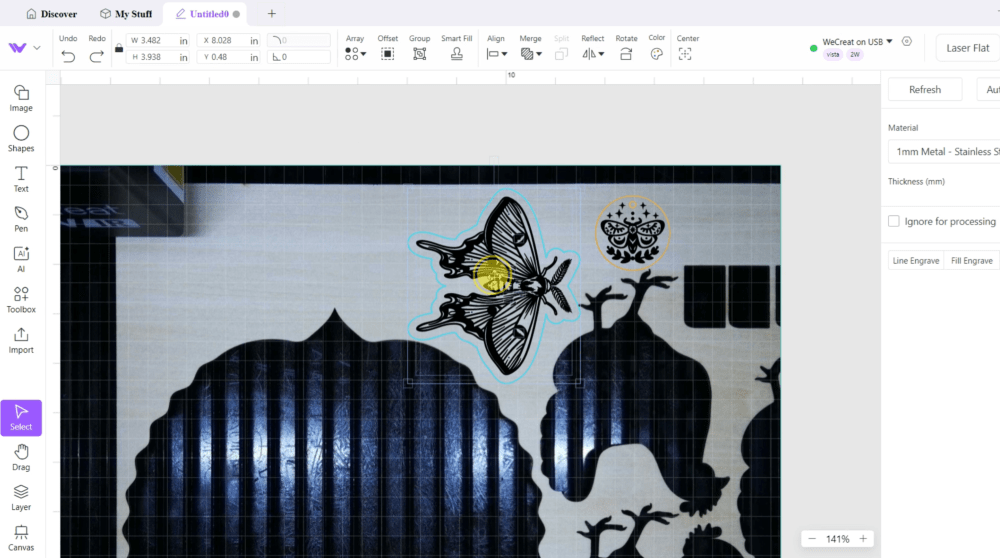
If there’s a little nook or cranny left, I have a handful of jewelry or keychain pendants I’ll squeeze in for maximum profits for material cost.
Making things double sided is extra easy with the camera function.

You can also prepare pictures for engraving without needing any other software and save files you use often use for quick retrieval.

The materials quick selection makes settings a breeze.
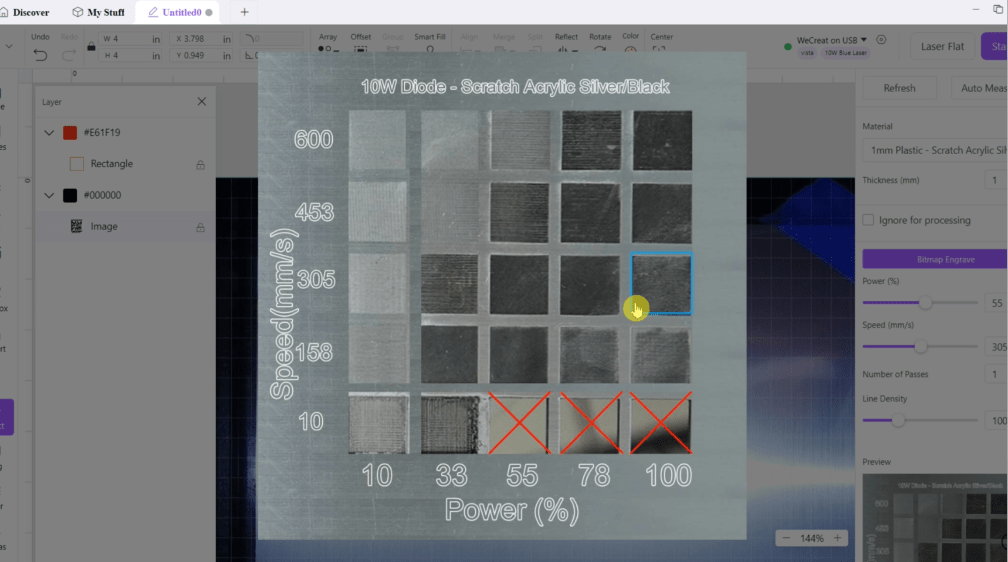
There’s a lot of freeware out there to run those rickity rail lasers, but none of them are this easy to use and have this many awesome functions.
What Products Can a WeCreat Vista Make?
If you are wondering what you would be able to make and sell with a WeCreat Vista, let me start by saying, “Anything you want.”
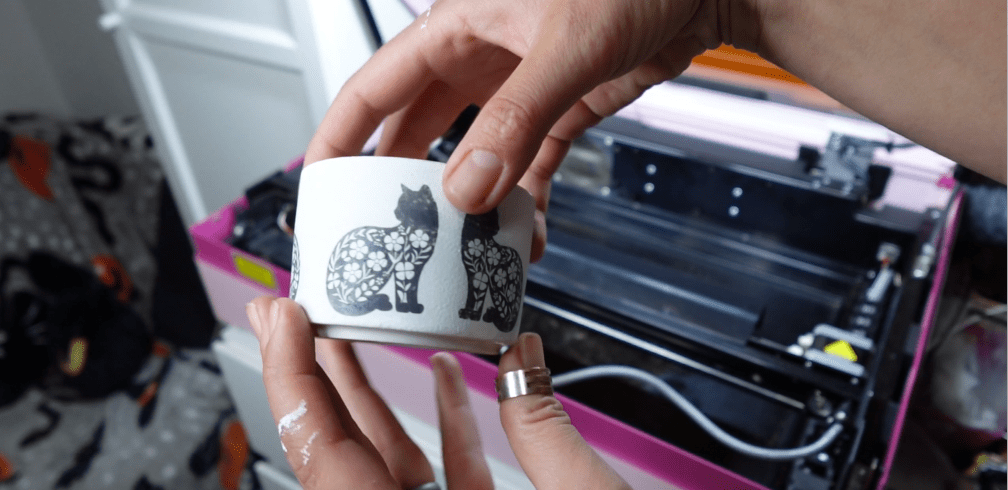
First, I highly, highly recommend upgrading to the rotary with the rotary pro attachment AND the 2w IR laser head.
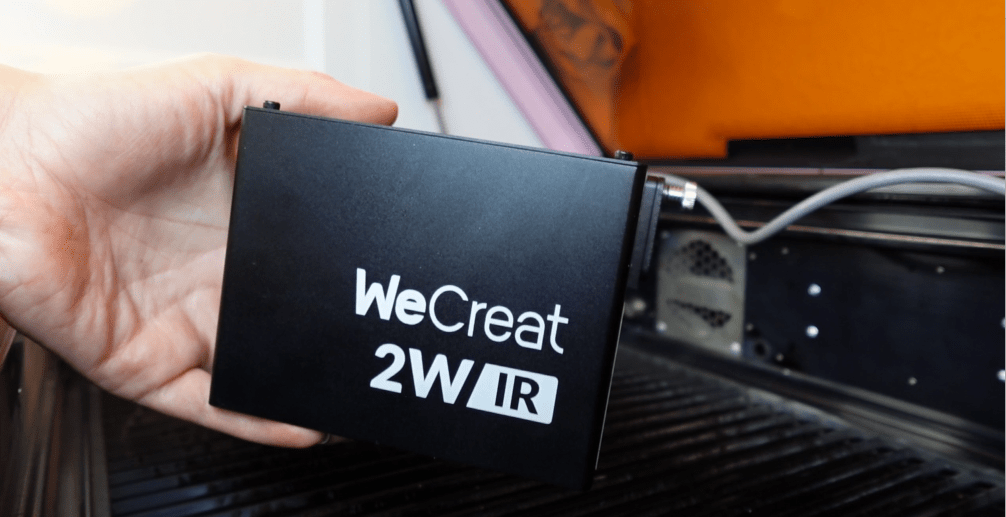
This will triple the number of things you can do with this laser from about a billion to a trillion.
My favorite materials to use are wood and mdf.
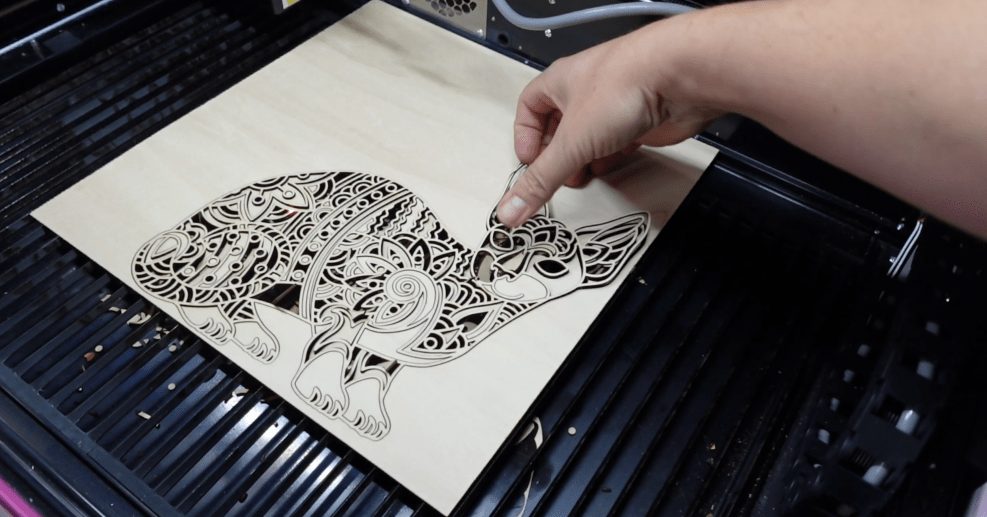
But, if you want to make things with leather, Polyurethane “vegan” leather, ceramic, slate, glass, paper, Iron-on Vinyl Alternative material, stainless steel, aluminum, brass, leaves… I mean, I could go on, but I think you get it.

The only limitation is that you can’t cut every color of acrylic. No clear or transparent colors, no mirror acrylics.
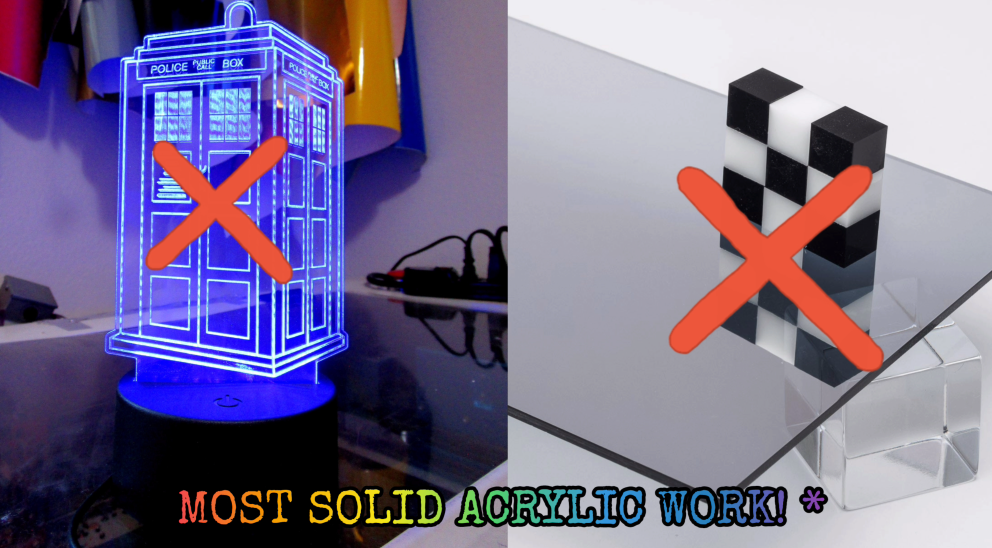
Here is a list of acrylics that are Diode Compatable: Craft Closet
So, when you are considering what to make and sell with this laser, you are in luck because (so far) I have 3 lists totaling 215 different Laser Project Ideas, including the rotary! But the thing is, there are SO many other things you can make with this laser that you could fashion an entire business around.
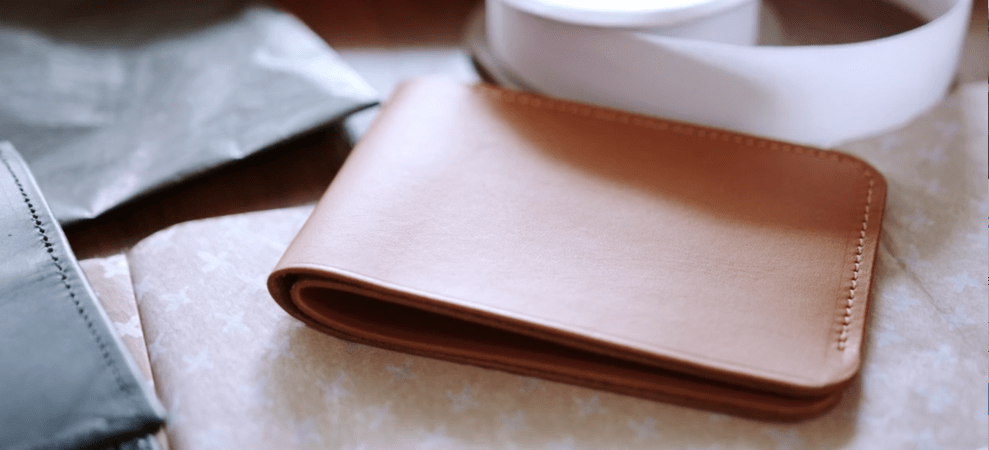
Engraving leather wallets or stainless-steel pendants with children’s birthdays, could be one. You could make business swag for companies like iron on totes, logo tumblers and branded keychain sets. Matching pet collar and owner necklace sets. You can get huge business deals cutting learning aides, like shapes or color swatches for teachers from cheap mdf. Perhaps you could make custom signs for your local plant nursery or sandwich shop. Maybe even some funny leather hat patches. I mean, the possibilities are literally endless.

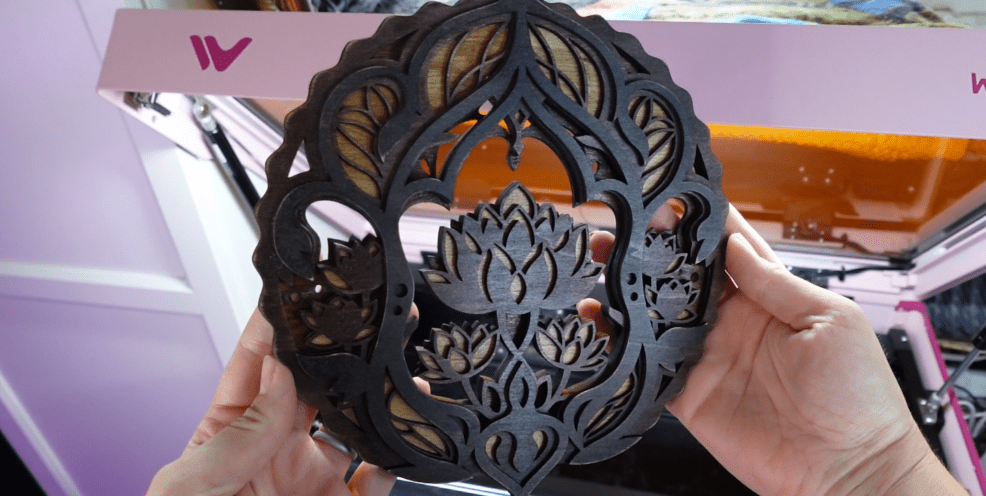
Personally, I’ve been making oodles of beautiful, layered wall hangings with its laser-able area of just over 11×16″. And I love the ability to hook up the rotary equipment with just 2 screws. The laser head flips down, which helps keep the size of this laser so compact and adorable.
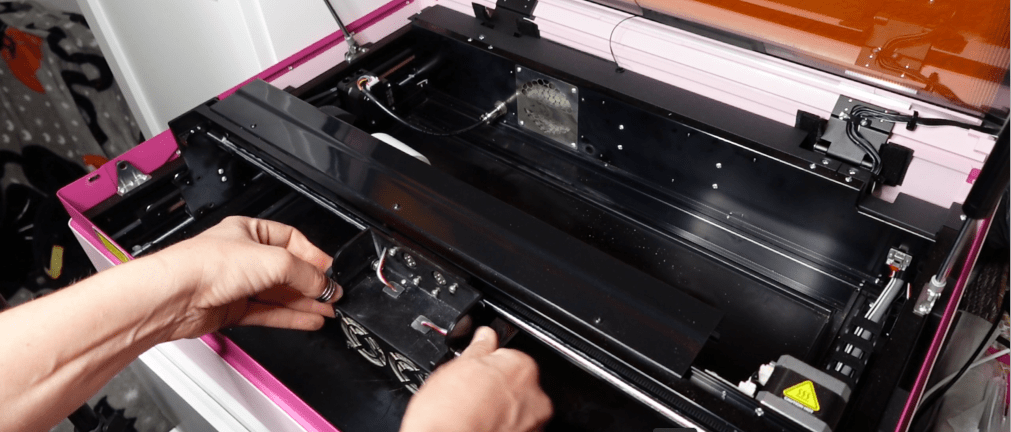
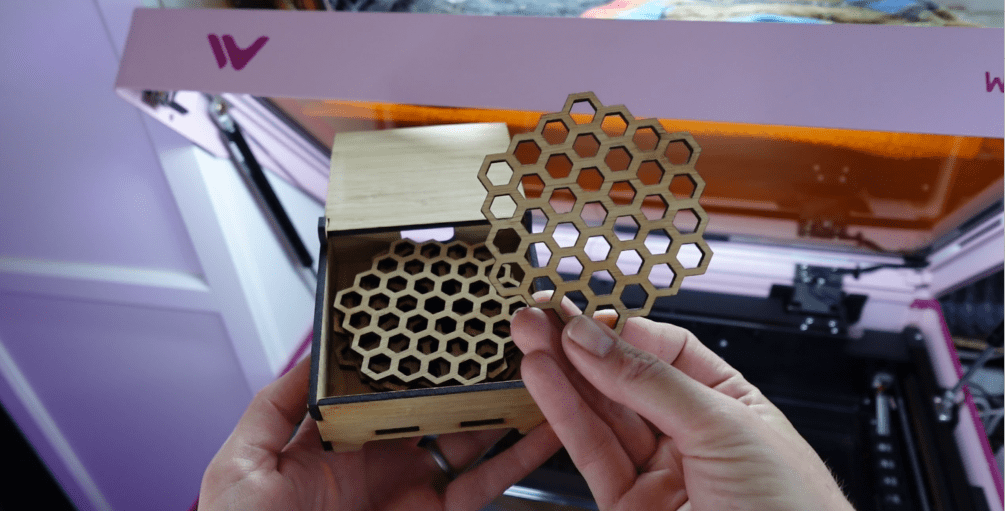
The rotary function of this laser has greatly added to my merchandise collection. I’m getting ready for a Cat Convention this weekend and have been making these little pots to plant cat grass in and these cute tea tins.
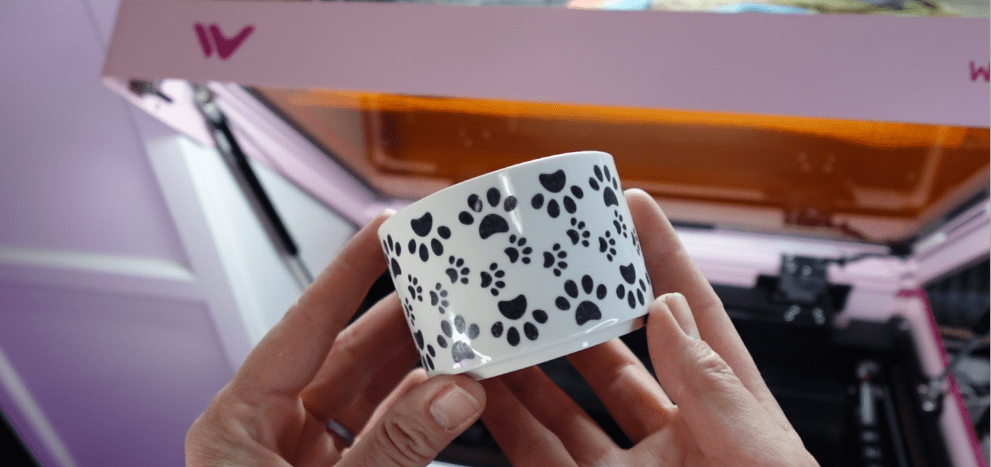
You are only limited by your imagination on what you can accomplish with this laser!
Safety First
I’m going to go ahead and assume you don’t want your house to burn down or your eyeballs to explode.
Here’s a couple safety features all WeCreat Laser have in common:
- Fire Inhibiting Enclosure: It has a metal enclosure that helps prevent fire hazards.
- Flame Detection: The laser automatically stops if it detects a fire within the enclosure, providing an extra layer of safety.
- FDA Class 1 Laser: Which means these lasers are safe under all conditions of normal use. They emit very low levels of radiation that are not harmful to the eyes or skin. Even if a person is exposed to the beam, the risk of injury is minimal.
- Blue Light Filter Lid: The lid is equipped with a blue light filter to protect the eyes from harmful blue diode light.
- Air Quality Management: Features like Air Assist and Fume Extractor Fan help manage air quality and reduce fumes during operation.
All of these features should be at the top of your list of minimal requirements when shopping for any laser.
So, is this the Laser for You?
I am so pleased with this laser.
Now, I’m not trying to make 100 signs a day, or 50 tumblers a day. If you want to be that busy, you’re going to need a higher watt of laser, which the WeCreat Vision series can offer! If you want to custom engrave pendants right at a craft show, then the Portable Lumos Laser is perfect!
I think if you are looking to start a side gig or make the most wonderful gifts for your friends and family, the WeCreat Vista is a perfect beginner laser.
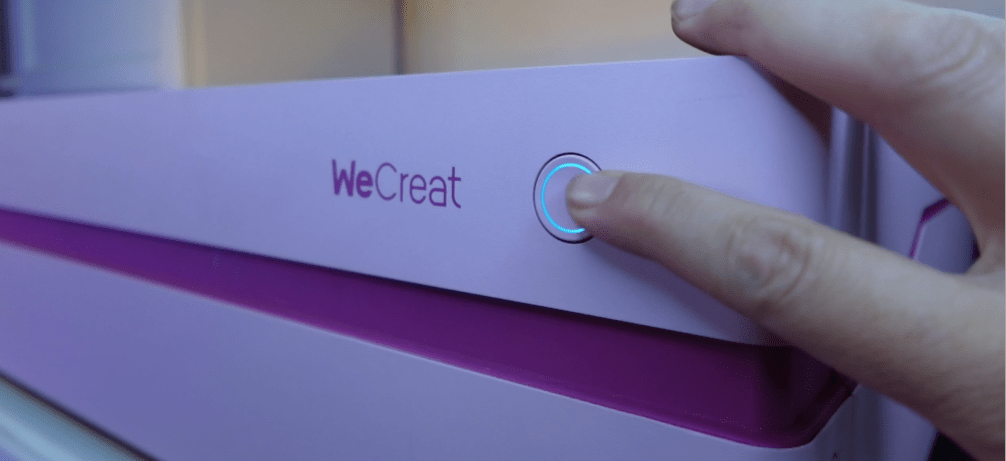
The price point is impeccable with how much comes with it! Dedicated customer service, Fire Safety, Color Selection, Air Assist, Fume Extraction Fan, it’s easy to switch out the laser heads and install the rotary upgrades, and of course my favorite – The MakeIt! Program!
If you are still in the beginning phase of your laser business journey, check out this blog post next so you are ready to hit the ground running the day your laser is delivered.
Happy Crafting!
Sign up for Creative Fabrica’s All Access Free Trial and enjoy 10 free downloads to kickstart your creative projects. Plus they’re having a Subscription Sale, so check it out!
 Designs by Laser Lady
Leave a comment