Most laser reviews show you an unboxing. But nobody tells you what happens after 1, 3 or even 6 months after, or if they even intend to use it to run their business. But I will!
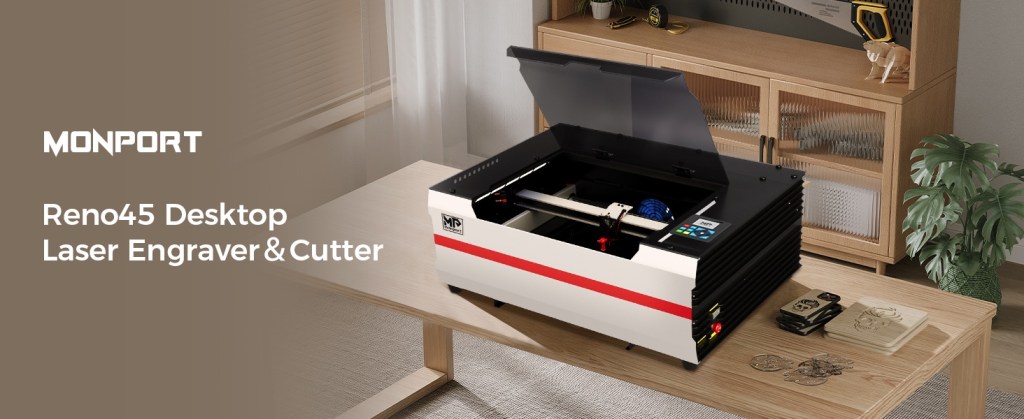
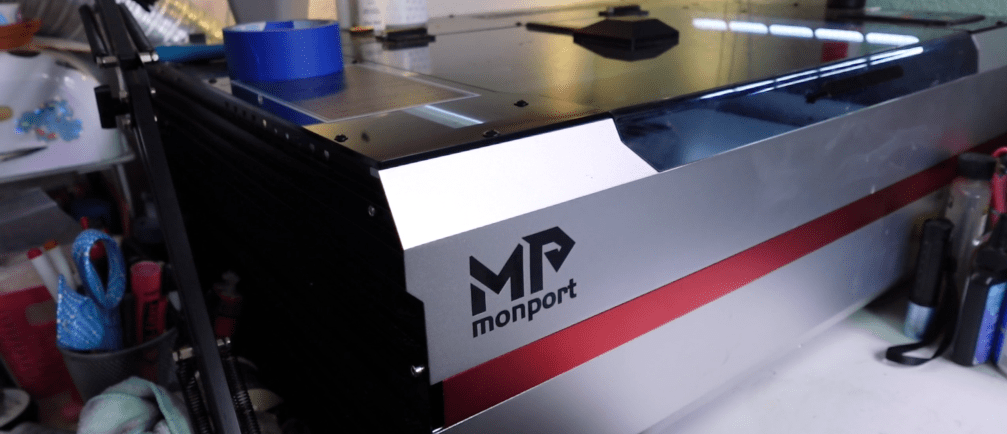
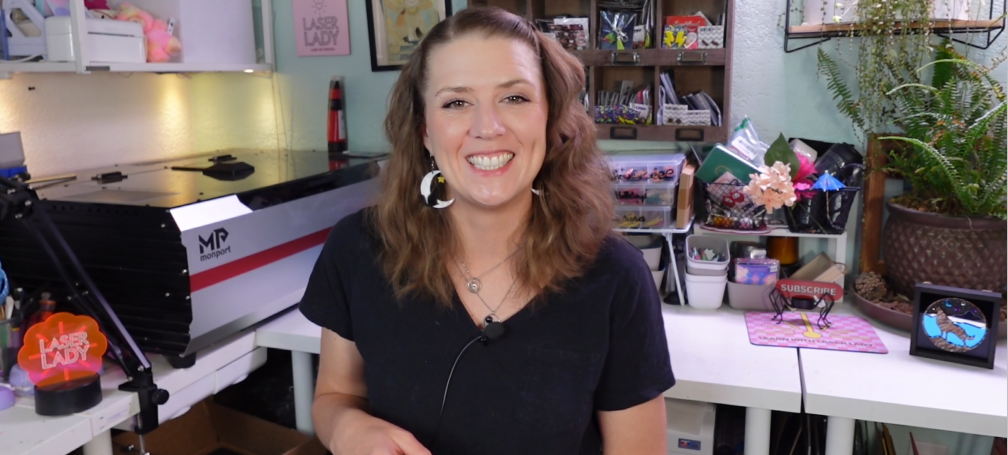
I received this Monport Reno Pro Vision 45w CO2 Laser last September in trade for my honest review, and this is it! Here’s everything I actually learned: the good, the stuff that surprised me, and what you absolutely need to know before you buy one.
Alright, first things first — let me show you what I have been making over the last six months, because I think that context matters a LOT when it comes to a review.
I started a laser jewelry business back in 2014. It’s become my fulltime job for over a decade. I literally make thousands of units that ship all over the world and here’s the main thing – more than 85% of my designs are acrylic based. This means I HAVE to use a C02 in order to cut the zillions of acrylic sheets that I have.
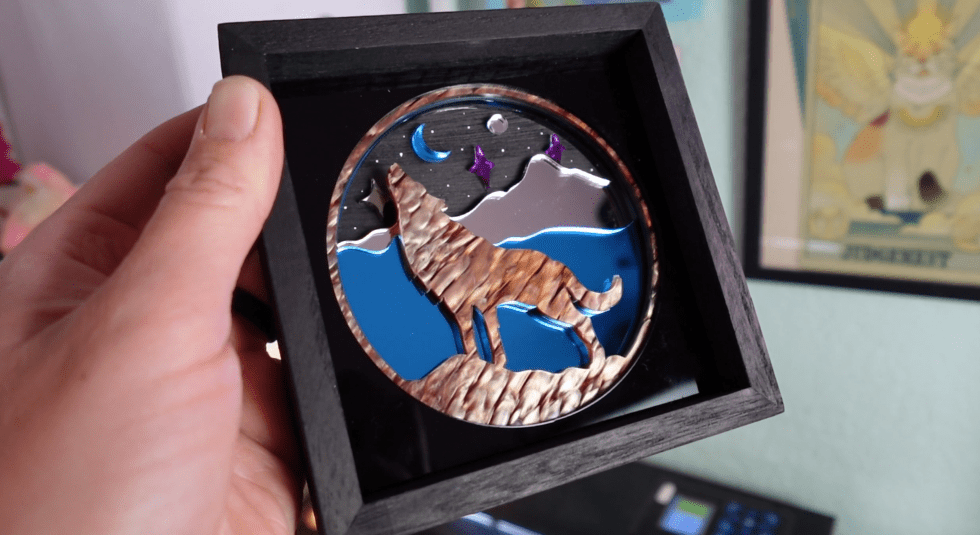
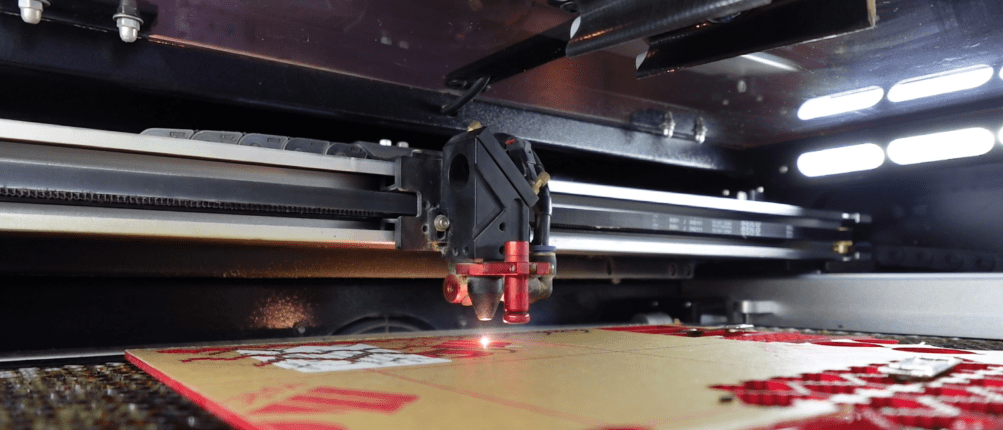
I’ve been using the Monport Reno Pro Vision 45W CO2 laser to make this jewelry, plus one of my latest #1 projects – these fancy shadowboxes that I take to craft shows and conventions.
So, it is super important that I can make high volume jewelry pieces while experimenting with fresh new products customers crave.
Now look, I know some of you are watching this and you’re trying to figure out if a machine like this fits YOUR situation. Maybe you don’t have a laser yet or you are looking to upgrade from a diode laser?
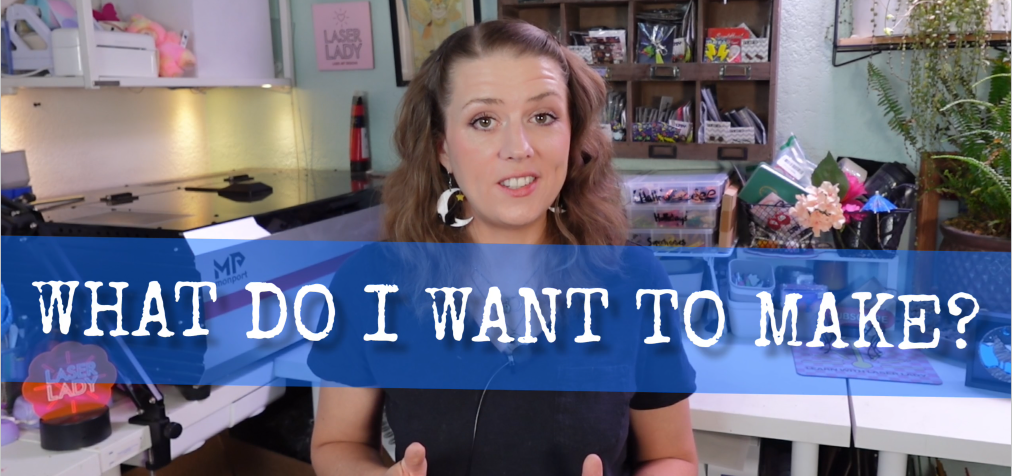
Here’s the first question you need to ask yourself when laser shopping, “What do I want to make?”
Every laser comes with its own set of limitations – as well as – perks. So before we get to the number one takeaway I want to leave you with in this review, let me tell you what I like and utilize with this laser.
What I Like the Most About My Monport Reno Laser
Here’s a list some of my favorite points about this laser:
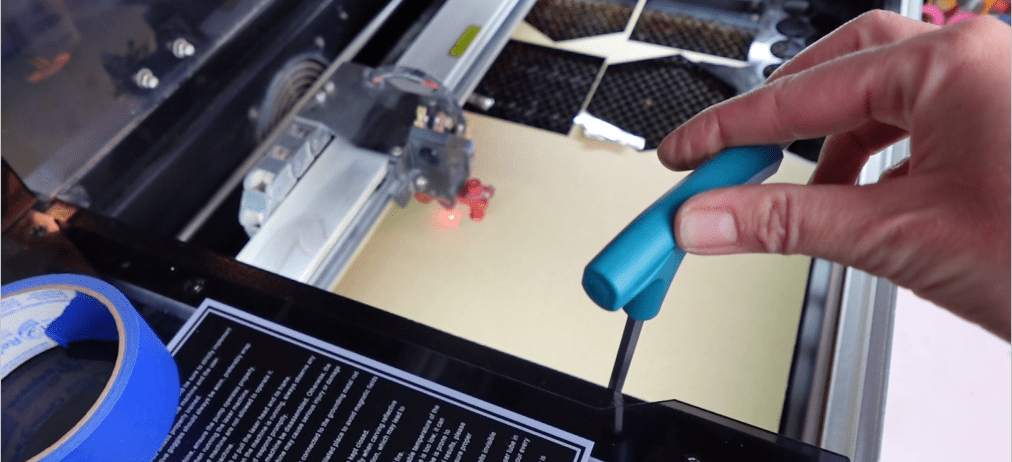
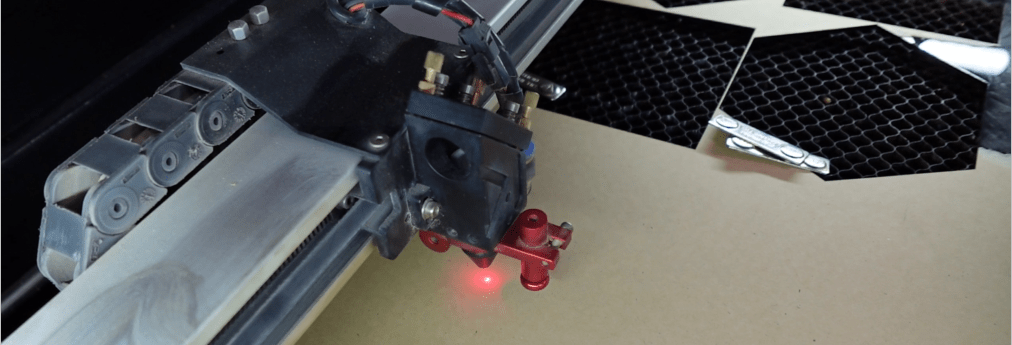
A Magnetic Focusing Tool – You won’t lose any focusing tools.
Tall Laser Bed – helpful for engraving chonky things.
Works with Lightburn – to which there are an immense volume of tutorials on.
Decent customer service (I’ll be getting more into this in a minute)
Doesn’t Have Hyped Proprietary Parts
This is actually a big one for me, and might be something you haven’t thought of yet, so hear me out.
Some lasers have overly fancy parts that are wacky expensive and make you dependent on the company you bought it from. After 10 years with my first laser, it essentially turned into a “Frankenstein’s Monster Machine” of its original self, which is how and why it lasted a full 10 years of heavy use.
Even though messing with the machine will definitely void the warrantee, I can easily switch parts out that wear down or upgrade the gantries, lenses, the camera, all sorts of stuff.
Even being able to get inside the machine to replace the CO2 tube, internal air assist pump or controller is easily possible.
Things I Wish I Knew Before
There are somethings I would have liked to have known sooner, so let’s answer some more questions you don’t know you have yet.
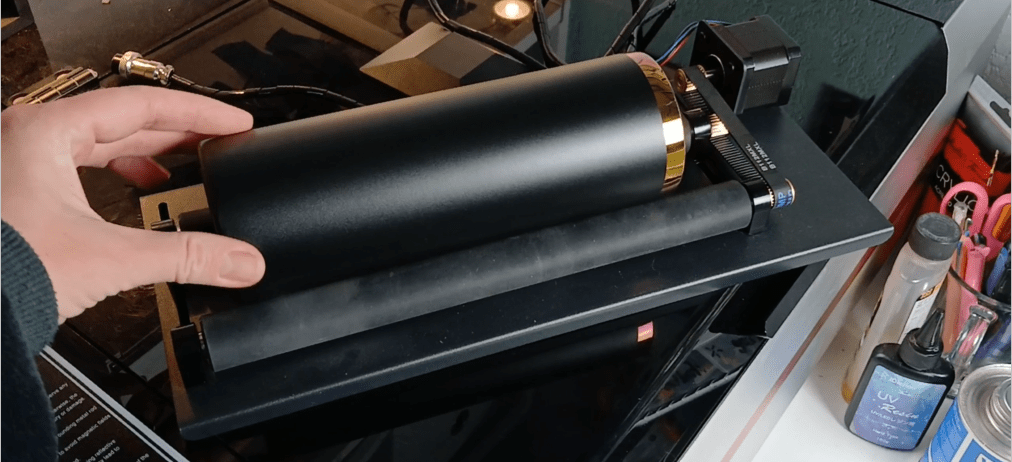
Can you add a rotary attachment? Yes!
But, I don’t love the rotary settings.
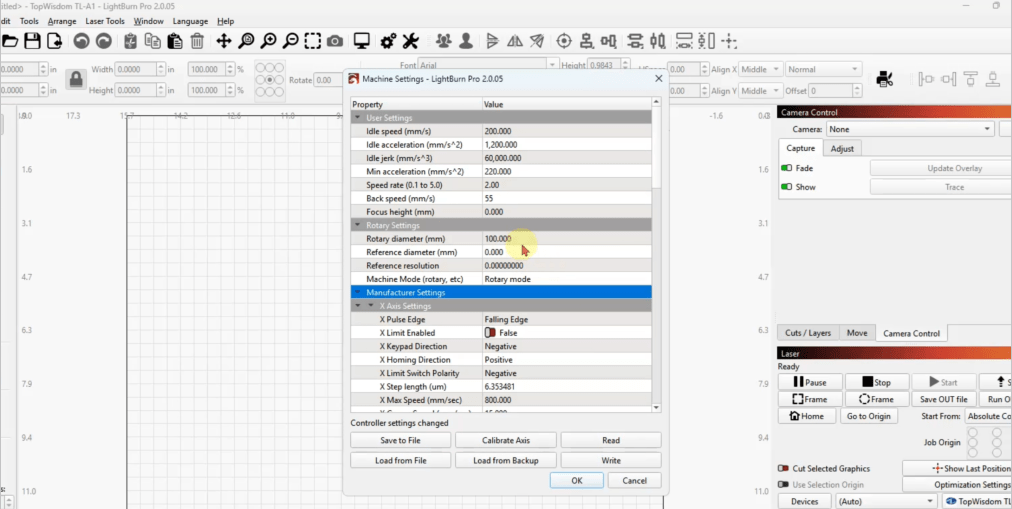
I was lucky enough to be able to get the rotary attachment that is made to work with most Monport laser machines. I was pumped to be able to make some tumblers at a super-fast speed compared to my 10w diode laser, but because the controller is a TopWisdom TL-A1, it does not communicate with the functions Lightburn has for its rotary engraving settings.
It’s not impossible! You just need to unlock the machine, change the default settings on the controller and get everything measured for your rotary object. But then, when you want to switch back to the flat bed mode, you have to reset to the previous settings. The whole process is not super easy for people looking for a plug and play style machine.
If you are a nerd for settings, you will probably love this.
However, if you were planning to ONLY use this laser for rotary things, once you get everything set up and squared away, you should be set.
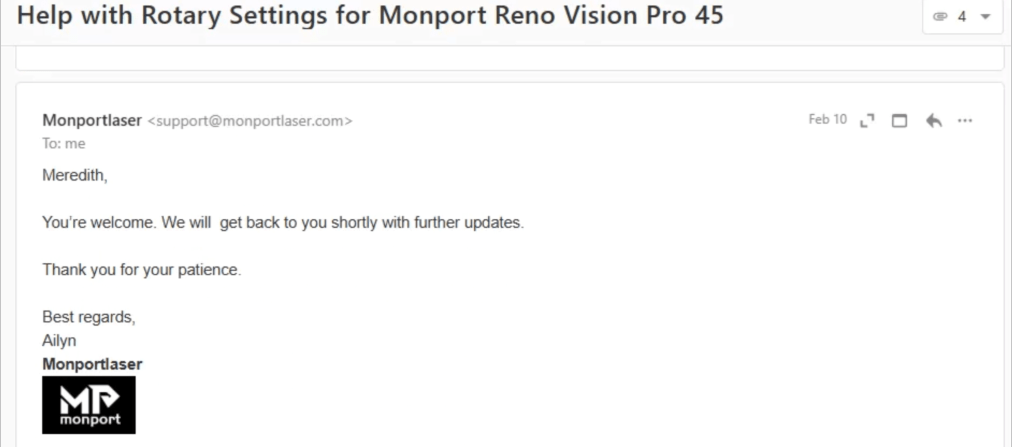
Luckily, my whole rotary journey led me to test out their customer service!
So,how is the customer service?
Pretty ok! One big thing to note is that if you reach out via email, it might take a while to get back with you. Not always, but sometimes.
So, if you are having a catastrophic event, then congratulations! You get a couple days off!
After telling them my problem, they were able to walk me through the process of setting up the rotary, unlocking the machine and altering the controller settings and getting going again. They sent oodles of pictures to help me through the process.
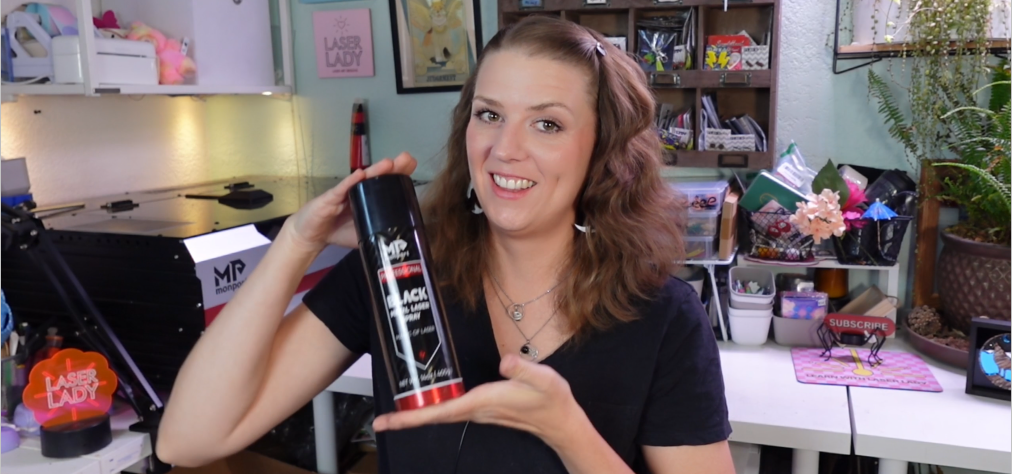
Once we wrapped up the support ticket, a fun bonus was that I could pick from a list of parting gifts. Some were acrylic, wood and other goodies. I picked this Monport Black Marking Spray.
Some other things I wish I knew before includes:
Speed — It cut out faster than my last machine. Which is great. Plus, there are higher wattages of tube options, if you want some real speed and power.
I was a little worried about the engraving quality on specific materials. Jewelry is quite little, but once I got the settings nailed down, it can do pretty sharp and fine engravings.
I wish the bed size was bigger, but they do offer bigger machine beds. This one happens to fit nicely in my little office, however.
Noise level is not so bad. The air pump is within the machine, so that muffles the sound a bit. I’m always wearing headphones anyway.
For those who don’t know, a water pump is necessary to pump water through the CO2 tube. Not a concern, just something you should know about.
Next up I will cover the most important thing-
Who This Machine Is PERFECT For?
Okay. This is the section I know you’ve been waiting for. Who is this machine actually FOR?
If you are looking to start a laser business with almost no constraints on the type of things you can cut and engrave – this machine deserves a serious look. I’m not just saying this.
I’m sure you’ve seen the list of “over 300 materials” other lasers claim they can cut, especially those low wattage diode lasers.
It’s mostly BS. Seriously though.
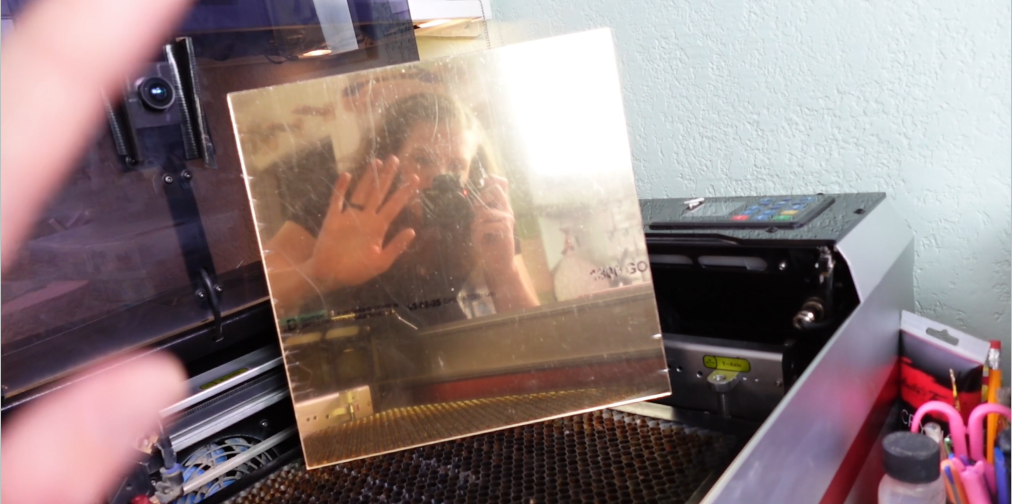
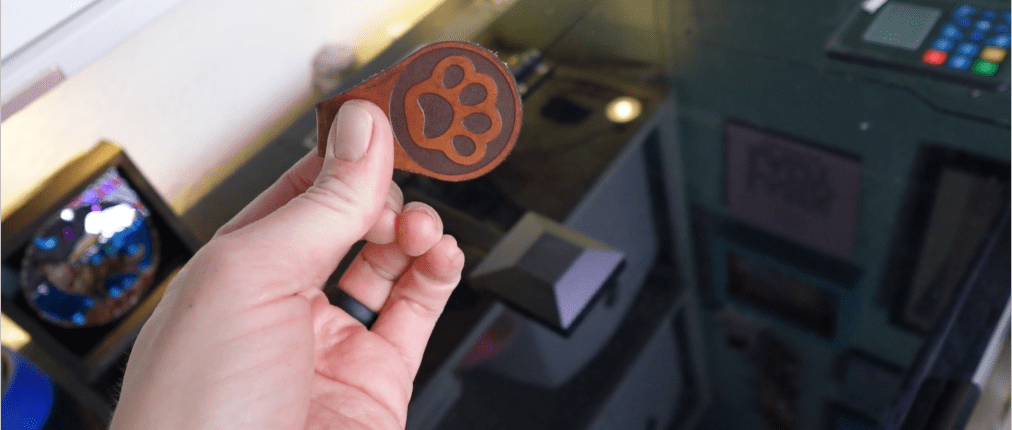
CO2 lasers can engrave AND cut mirror acrylic, clear acrylic, solid acrylic, glitter acrylic, every wood that can possibly be cut… With use of marking sprays you can engrave metals, or even anodized metals. Leather can be engraved AND cut. The list of actual possibilities goes on.
That’s why in the beginning I told you to ask yourself the most important question before you buy a laser, “What do I want to make?”
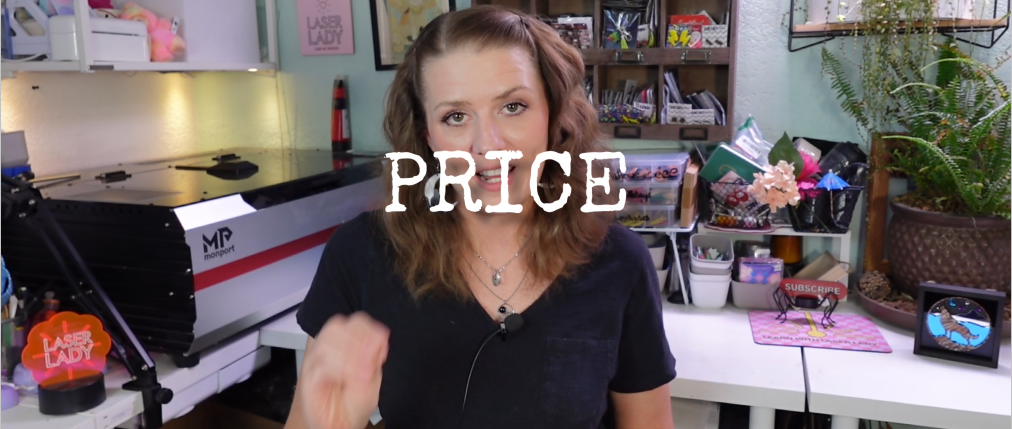
And this is the best part. Seriously the biggest reason I would (and probably am) going to get a second machine – is the PRICE.
Laser companies are like car brands and I am not a car person. I am a point A to point B person.
I need a dependable laser that I can use to make a living. I don’t need a Rolls Royce or whatever to feel like my laser business is going to be successful. I make it a successful business. And I am able to do that with tools that I can depend on.
This is a tool I can depend on. And replace the parts of. And afford another machine so I can double my output.
You don’t need a $15,000 laser with Italian leather seats. You just need a laser that starts every time you turn it on. Especially when it comes to starting a business.
So, if you are looking for the right tools to succeed, this is it. I’ve got your back for the business aspect of it. That’s what my whole YouTube channel is all about.
The Verdict
This is a functional, high output, dependable laser machine on a budget. No song and dance required. And that’s it.
Please ask me any questions in the comments. You can even email me if you’d like.
Monport has provided me with a discount code available for you guys. Save 8% with code LASERLADY.
I’d love to know your laser business goals, too! In fact, if you are still struggling with that most important question, then check out this post next. It’s a complete guide to figure out what products to make & sell, and I made it just for you.


 Learn with Laser Lady
Leave a comment