

3 Ways AI Can Boost a Laser Business

People thought electricity was a gimmick, cars would never replace horses, the printing press would cause civil unrest, and the internet would last 5 years tops. So, I’m here to tell you AI is not going away anytime soon! In fact, using a personal assistant like Gemini paired with a design site like Kittl.com might be all you need to explode your laser business potential!
There are right ways and wrong ways of using this budding technology, so let’s dive into 3 surprising ways you can use AI to make your laser business thrive!
This video is brought to you by Kittl.com –
Save 25% Off Your First Month of ANY Kittl Plan with Code: LASERLADYYT
➕ Subscribe to my YouTube Channel HERE
1. AI for Brainstorming Products
Creative block is real, but AI can be your new brainstorming partner.
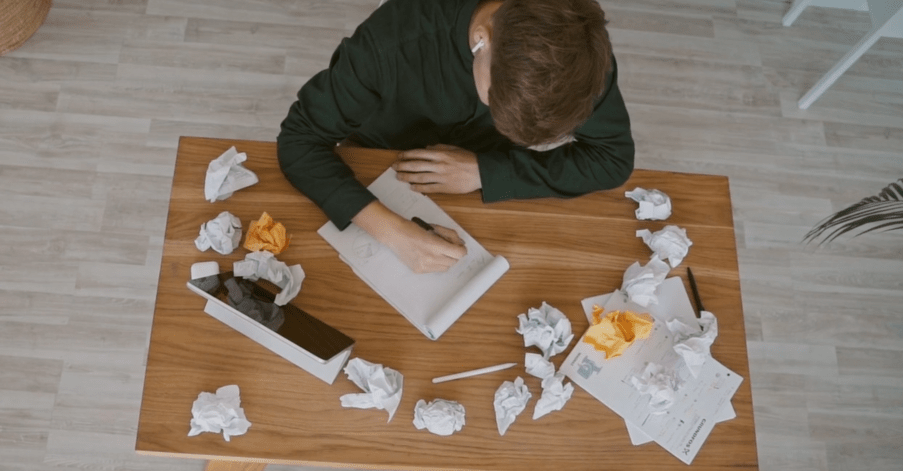
When you’re stuck, you don’t have to wait for inspiration to strike. Instead, you can use a powerful AI tool to generate endless product ideas tailored to your specific niche.
Beginner Tip: Start with a simple prompt like, “Give me ideas for personalized laser cut gifts for cat lovers.” This can help inspire a direction to go toward.
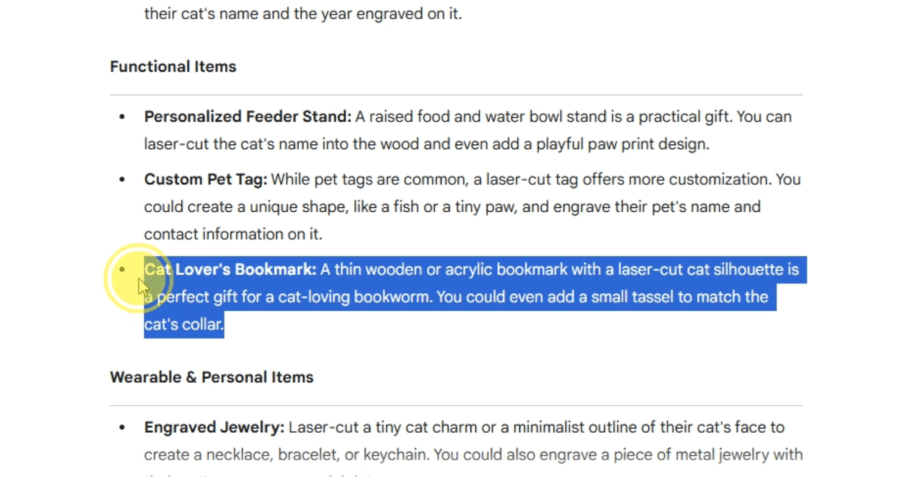
Pro Tip: Get specific! A prompt like, “Generate 10 product ideas for a laser cutter focusing on a rustic farmhouse aesthetic for the holiday season. The products should be made from 1/8″ wood and have a price point of under $30.” This will give you a list of highly usable concepts.
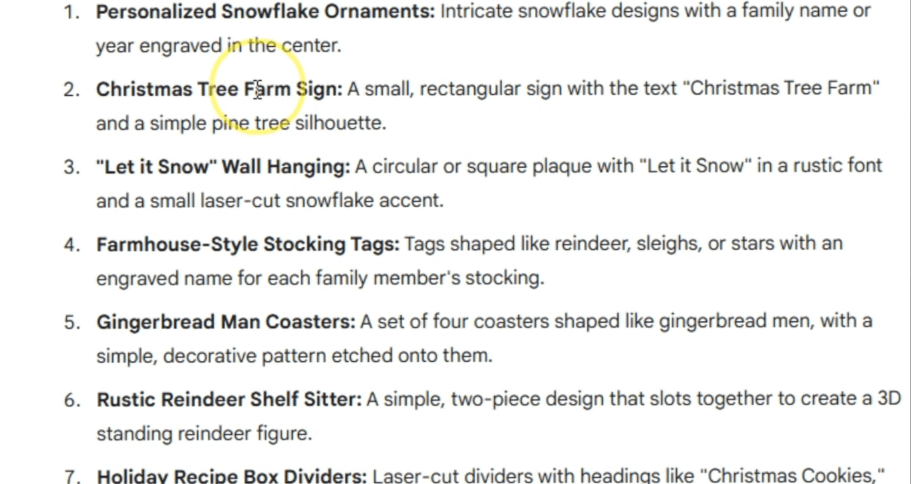
Even though an AI like Gemini can make images, we need something catered to graphic design to make our designs for our products.
And that’s where Kittl.com comes in. Let’s use the idea we generated of the Christmas Tree Farm sign as an example.
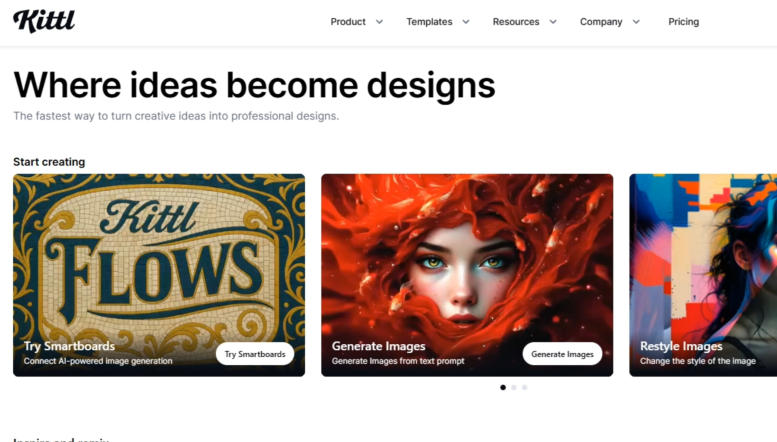
I’m going to start by showing you the biggest reason why I love this website and literally use it all the time for my designs!
Let’s start with a new project and get the main elements of our design down. You don’t need to be a graphic design genius to get amazing designs!
This is not a good design.
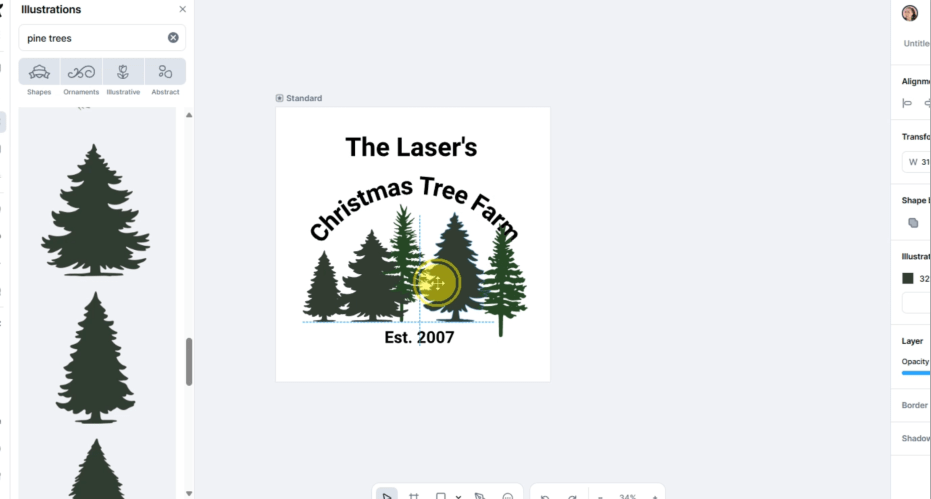
This is a painfully boring design. BUT! Let’s get a smartboard connected to this artboard and transform it into something amazing.
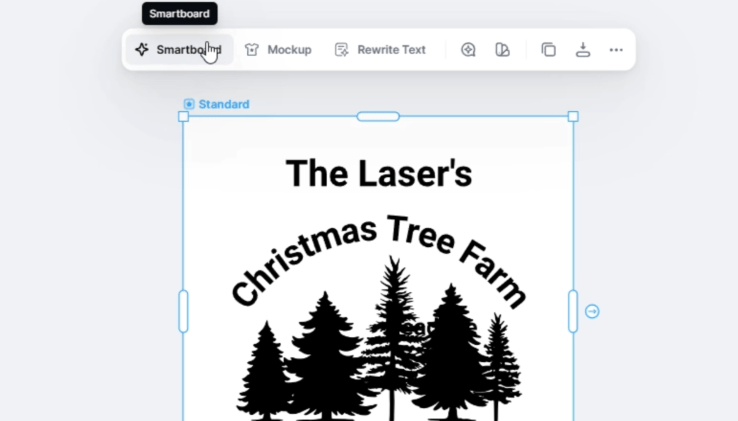
Now writing prompts is hard. When writing your prompts, be as specific as possible.
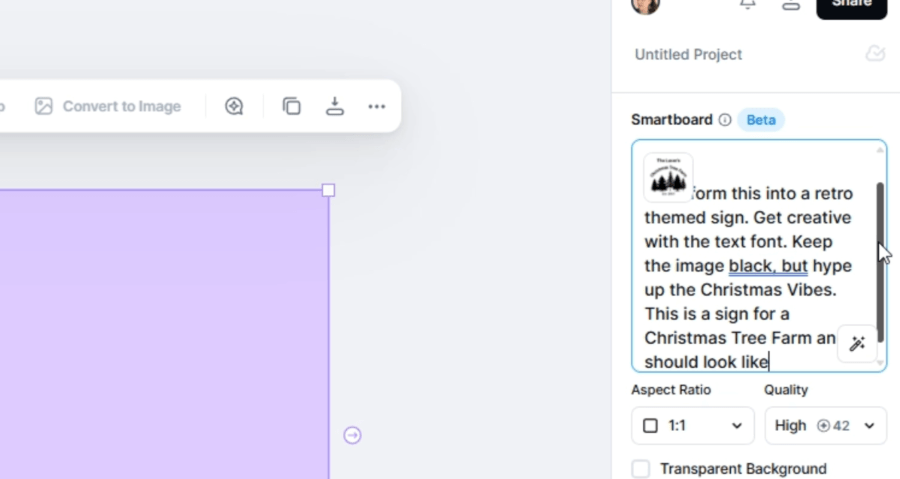
So, when writing a prompt, make sure you list out everything you can think of. Use design keywords so you can convey it to the AI.
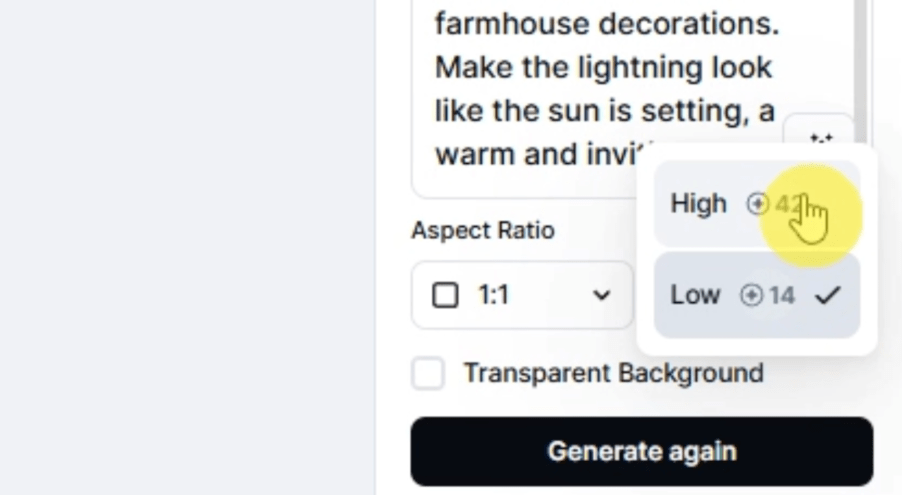
You can choose the amount of effort the AI puts into your design. If you are brainstorming, go for the low setting, you can increase it later.
This is my first result! I like it, but I don’t love it. Let’s expand on this design with another smartboard!
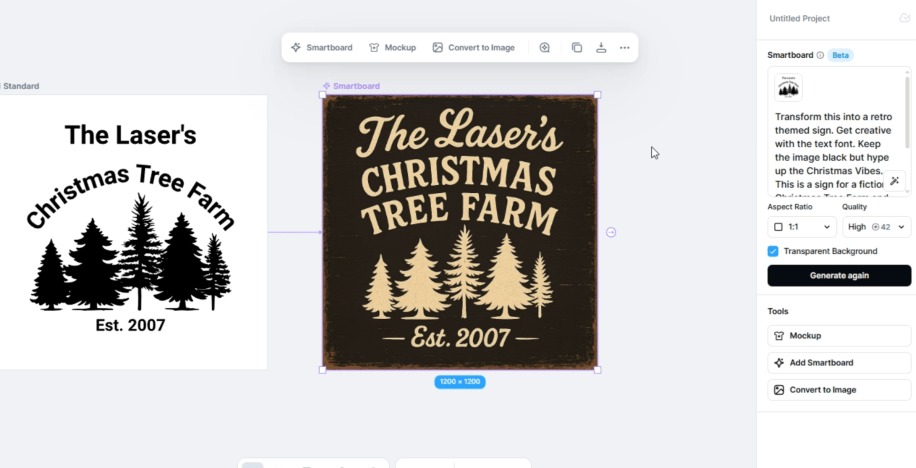
I tried to get more specific on how the text should have more movement.
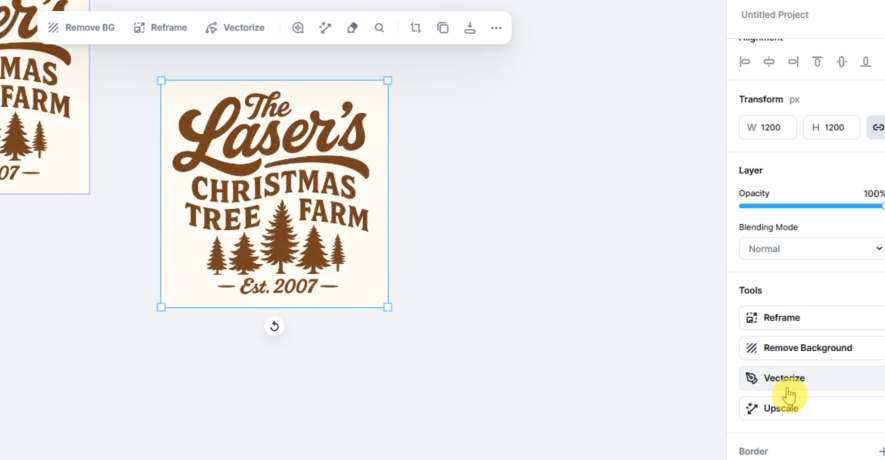
I also started a fresh new smartboard connected to the initial crap design. I think my favorite is this one.
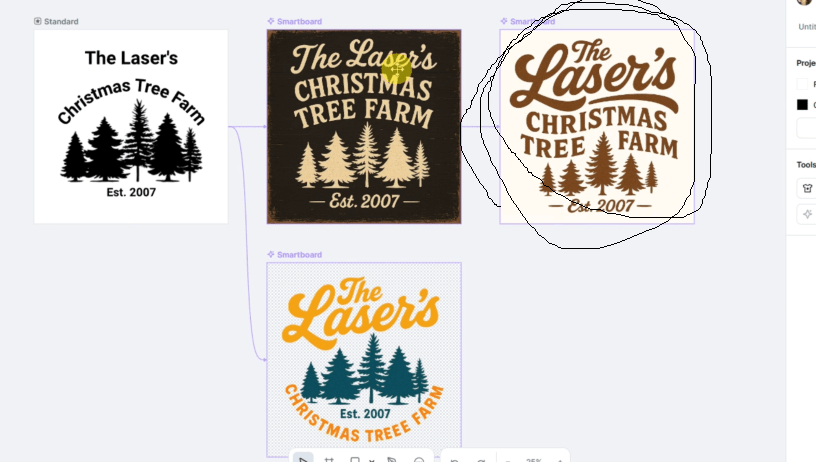
We can then “make it an image “Convert to Image” and then “Vectorize” it. We’re coming back to this here in a moment.
Making a Laser Cut File in Kittl.com
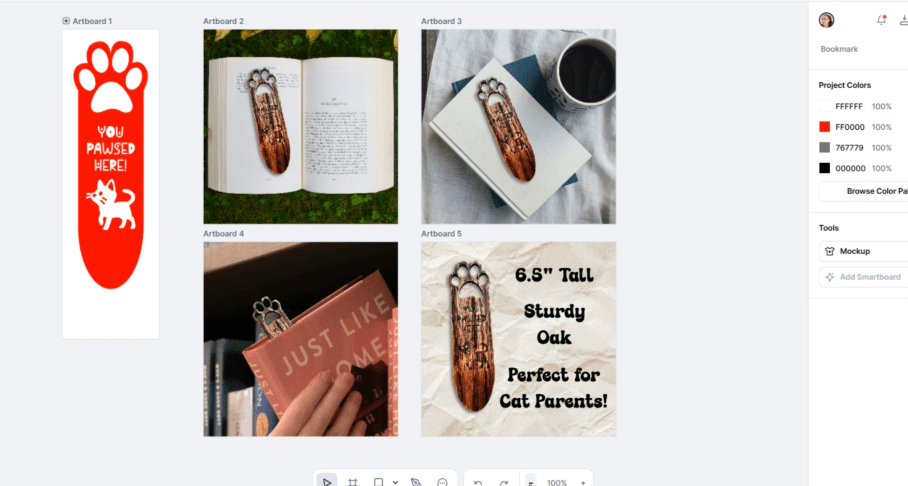
We can also make a laser cut file! Remember the cat bookmark idea? Let’s make one!
With a new project open, I first go to get a little inspiration in the templates by typing in cat bookmark. Let’s make something with this one!
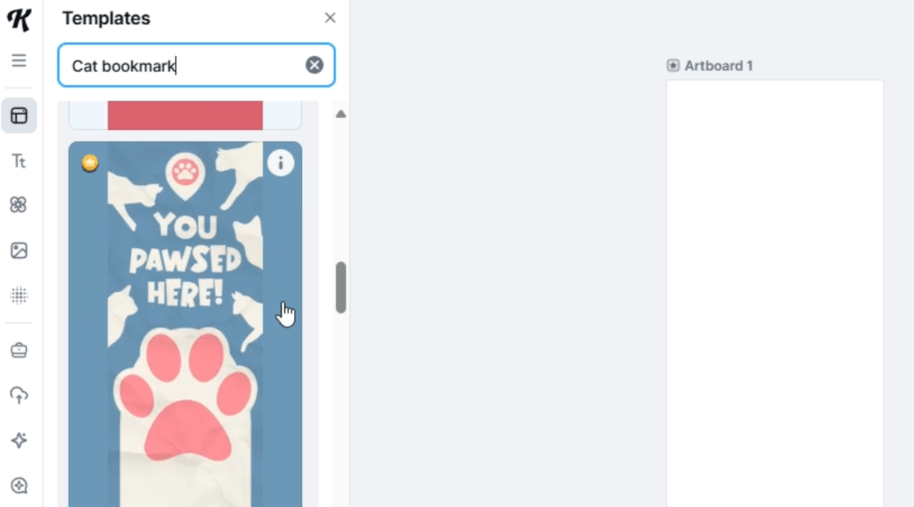
I just quickly alter the nodes and subtract the toe beans out of the main shape. I’ll have this part cut out.
Now to find a different font.
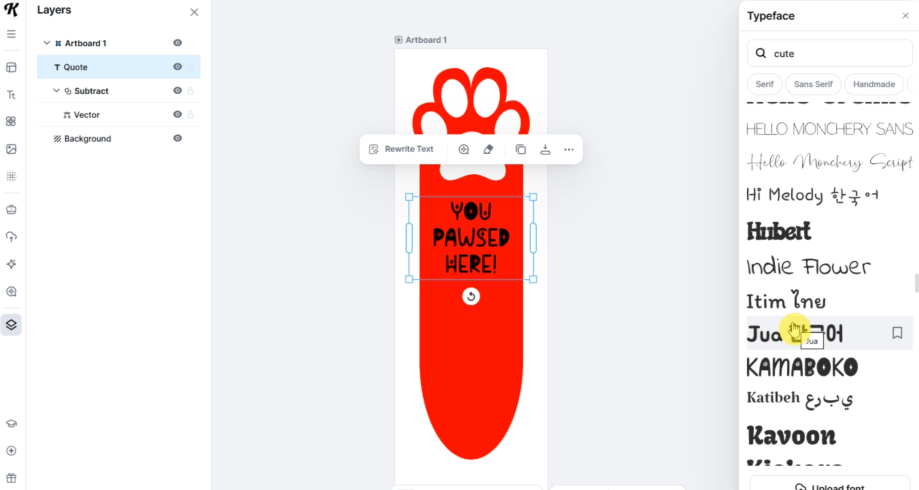
Perfect. Next, we just need a little kitty on here to engrave. This one is cute!
I am going to subtract the text and the cat from the bookmark shape.
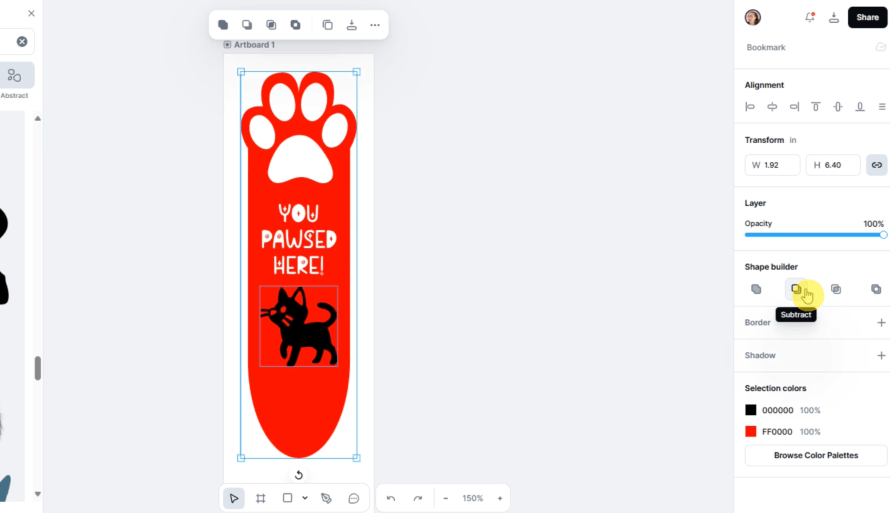
I plan on engraving those, but I can assign that in Lightburn.
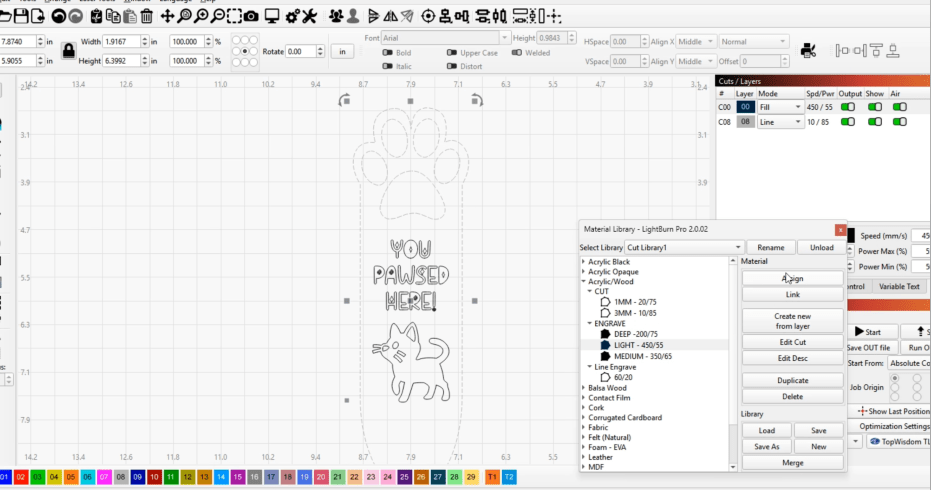
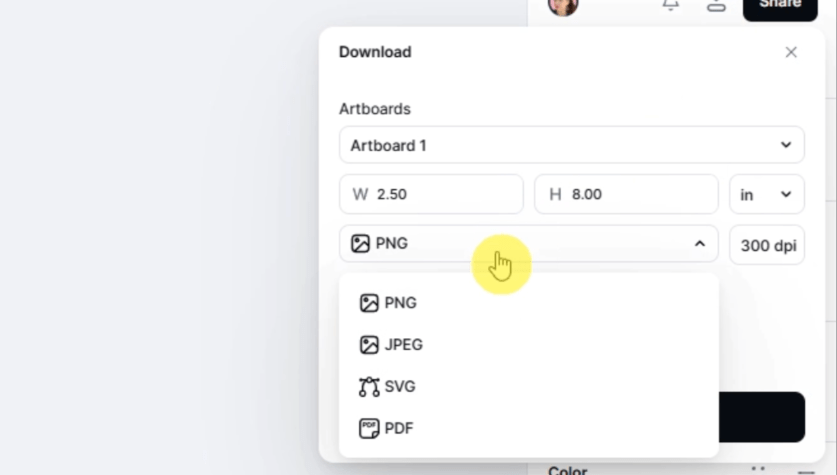
Now to save as an svg, and we are ready to go!
Now I just select the shapes, assign some settings and let’s get it cut out!
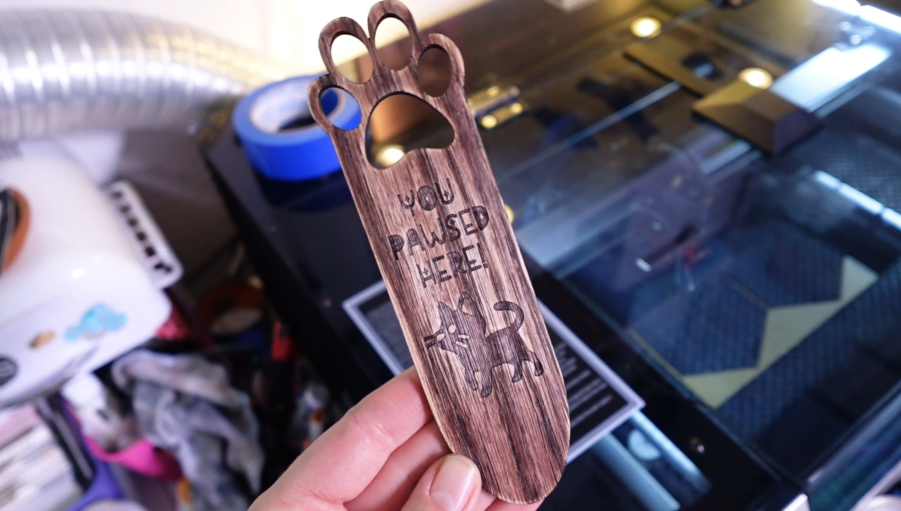
From brainstorming to an actual product in no time! But let’s not stop there!
2. AI Product Mockups
I used to work in a restaurant in a mall that had a product testing firm inside of it! On my breaks, I would go there to try out chocolates, watch movie previews and rate product packaging for either some cash or free product!
Companies pay a dumb amount of money to make sure a product is going to be successful before they launch it. And you should too!
Let me show you what I mean by jumping back into Kittl.
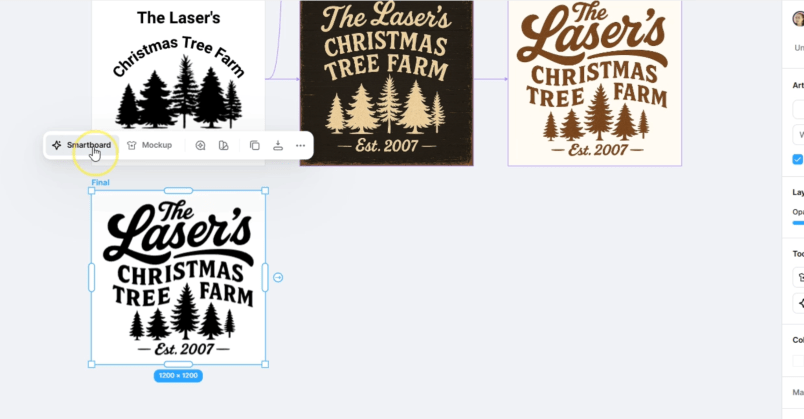
I started a new artboard to put the design I liked on and connected a new smartboard to it so we can generate a mockup wood sign to see how we like it!
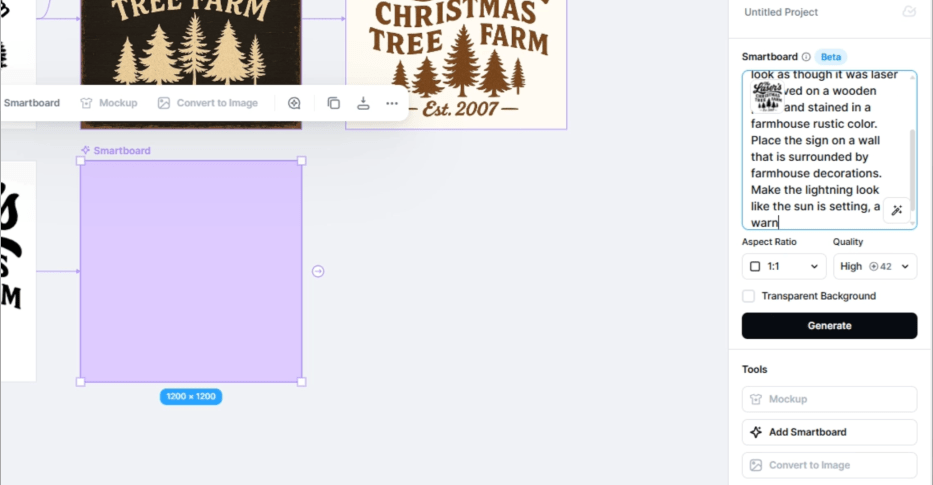
I kept up with the farmhouse vibe we’re going for, asking for warm sunset lighting and an inviting feel.
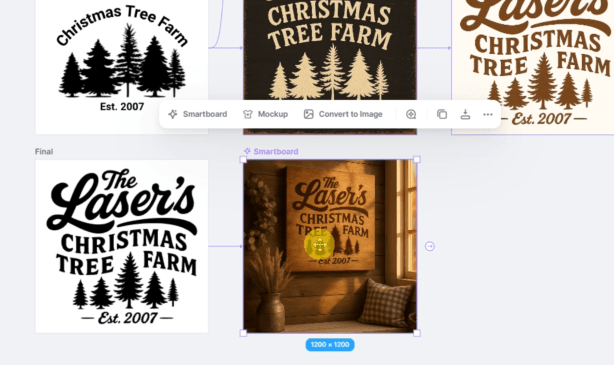
Look at that! This is pretty good for a first try!
Now, let’s make a mockup picture for a stainless-steel tumbler that would be on a table in the same farmhouse chic home. It’s an exciting wait!
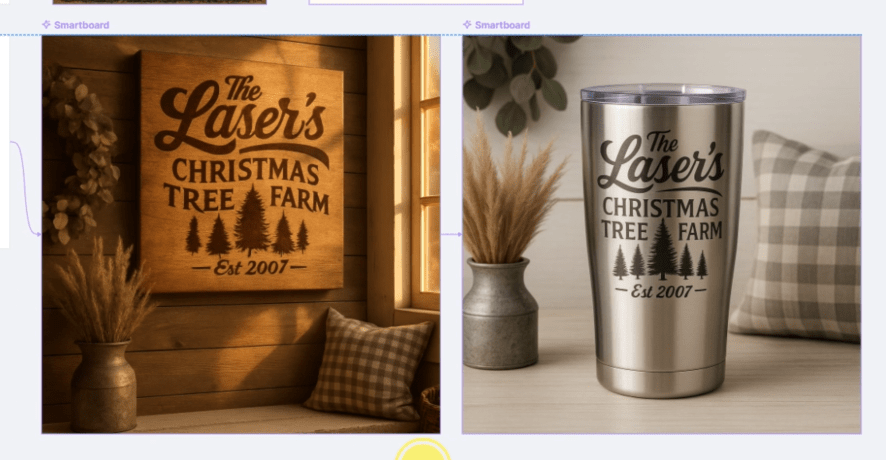
Fantastic! Now we can use these for testing or to give us an end result to shoot for during the prototyping phase!
Not only that, if you are experimenting with products, you can use these images to show your customers and see what they say and maybe even generate pre-orders! You could make money before anything is even made!
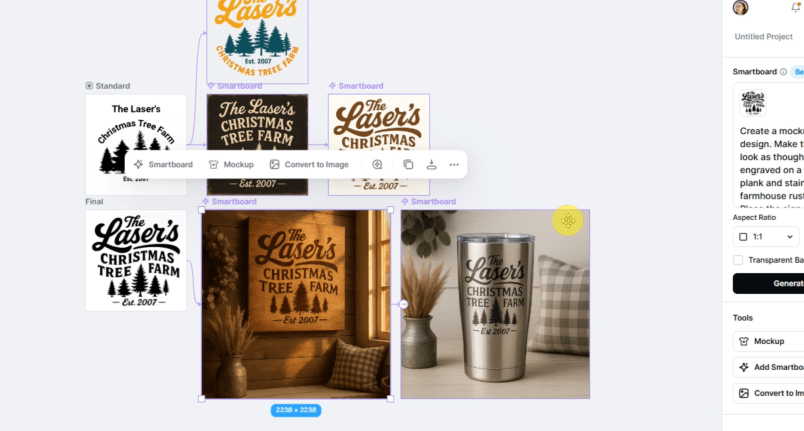
It’s incredible we have gotten this far off a graphic this bad! Right!?
You could have a profitable product brainstormed, designed and ready for customer testing in less than an hour!
3. AI for Perfect Product Listings
Writing product descriptions that sell, crafting engaging social media captions, and drafting email newsletters is freaking hard. AI can handle the heavy lifting of copywriting, so you can get back to what you love—making things!
Let’s take a picture of our bookmark, and fancy it up a little bit first.
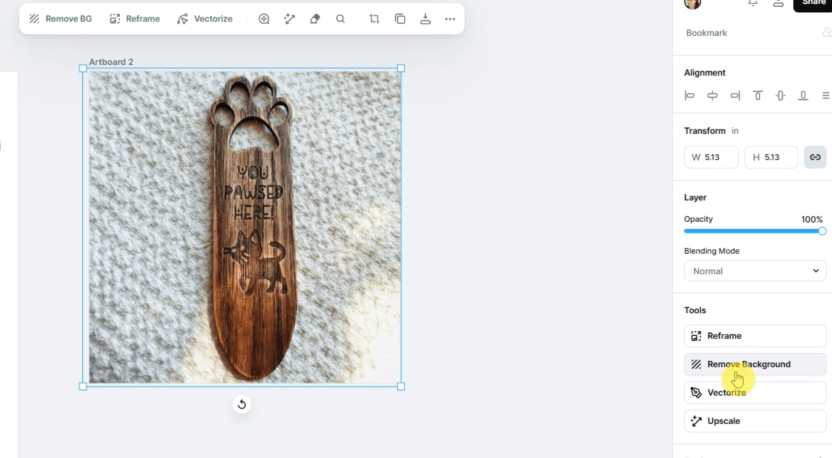
Using the remove background function, and fiddling around with the photo sliders, we are ready to make our own mockup picture. I searched for an open book and found this free to use picture for our background. A little shadow on the bookmark, and I’ll call it good!

Now let’s go to Google Gemini and get a product title, description, tags, and a social media caption announcing this new product!
With just a few prompts and adding in the picture to be scanned, Gemini has come up with 3 product titles, a great description to start with, a bunch of tags, that social media caption AND even hashtags in just a few seconds.
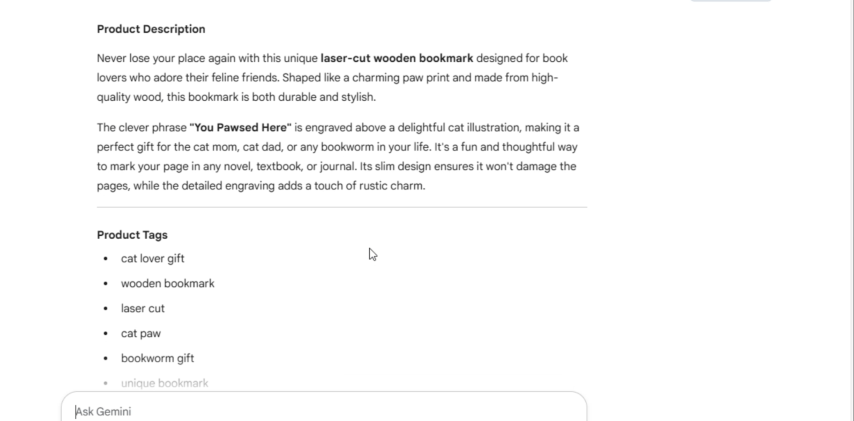
Now we are ready to go through this and “humanize” it. AI is good at a lot of things, but you want to have your brand have a certain voice, and that voice is yours and yours alone!
AI is a tool, not a replacement! Even though AI is going places at an incredible speed, the human touch can’t be replicated. And neither can human hands. So, at least there’s that.
Now once that is done, we are ready to take and make more pictures and set up our listing and marketing efforts! You can easily tweak pictures to cater for socials or email blasts!
The main message is that AI isn’t here to replace you; it’s here to empower you by handling the repetitive and time-consuming tasks, allowing you to focus on the things only a human can do—the hands-on making, the unique vision, and creating and maintaining relationships with your customer.
If you’d like to see how you can turn your current customers into lifelong fans of your business, check this post out next!
Thank you to Kittl for sponsoring this video! Use my code LASERLADYYT to save 25% off Your First Month of all Kittl Plans! I promise, there is a plan designed just for you!
Happy Crafting!
 Learn with Laser Lady
Leave a comment